I am Vishnu. Most of what I do starts the same way: something I have not done before turns up, and I want to know whether I can do it. That is why I build my own flight simulator controls, why I argue cases in front of debate judges, and why I lose a great many evenings to a chessboard.
I do not give up easily, and I mean that well beyond the chessboard. If I am facing a forced checkmate in five moves, I will play all five moves, because five moves are five opportunities for my opponent to make a mistake. I approach life in the same way. However poor the position looks, there is usually a way forward, and I would rather find it than walk away from it.
I enjoy public speaking. Standing in front of a crowd gives me a rush of adrenaline that I have never grown tired of, which is probably why debating took hold as quickly as it did. I am also not someone who stays quiet when I believe something is wrong. I would rather say it than let it pass, and I try to be direct without being unkind.
Chess is where I go to think. I like the way it hands you command of an entire army, and how one move can take you from a winning position to a losing one. In a recent game I was completely winning, and then I misclicked, left my queen where a rook could take it, and lost the whole thing. One careless moment undid an entire game, and I think life works in much the same way.
My father holds a private pilot licence, but my own route into aviation started with a joystick he bought me. I still remember pulling it back for the first time and watching a virtual aircraft climb into the sky. That feeling never left me. It is what pulled me into flight simulation, and specifically into fast jets. What I love about them is the pace. Everything happens quickly, the turns are tight, the aircraft strains against them, and a decision made half a second too late is the difference between flying well and not flying at all.
Aviation is also what got me building. Every piece of simulator hardware I wanted was either overpriced or did not exist, so I decided to make it myself. Both of the flight control sets further down this page came out of that. Building them was really just an extension of something I have always done anyway. I like opening things up, tracing how they work, and understanding why the people who designed them made the choices they did. An unfortunate incident involving my PS5 controller once gave me an excuse to strip it down completely, and I spent far longer than necessary studying the conductive silicone under the buttons and how Sony built the haptics and the adaptive triggers.
On the academic side, economics is the subject I enjoy the most. Samuelson described it as the study of how societies employ scarce productive resources that have alternative uses, and how they distribute what is produced for consumption now and in the future. I find that idea fascinating. Management interests me for much the same reason, because both subjects come down to making good decisions when resources are limited. That way of thinking has become a habit for me.
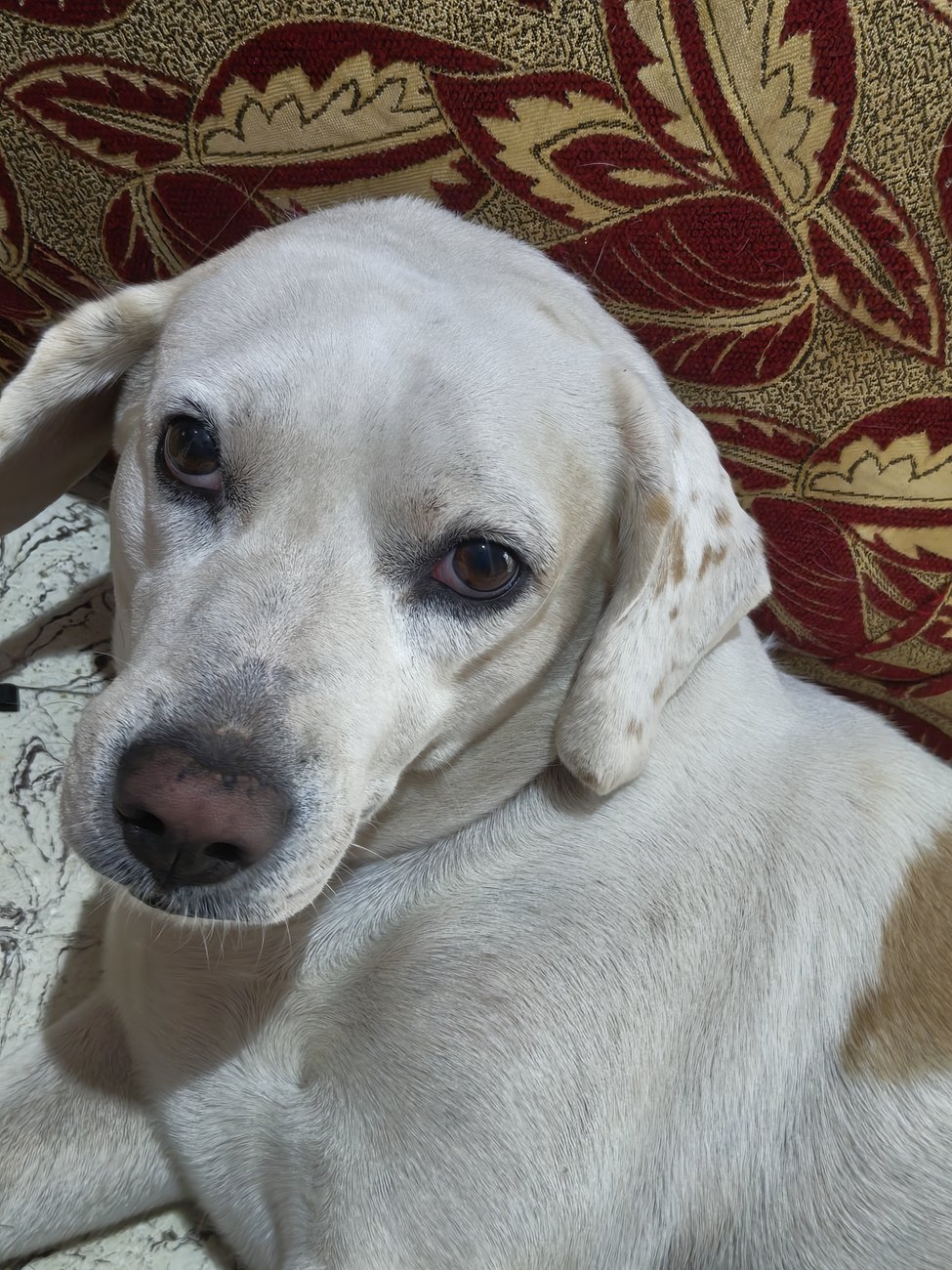
Away from all of that, I solve Rubik's cubes and set myself speedcubing challenges. My favourite is a cube I found in Malaysia that reveals its colours for only a second at a time and asks you to solve it from memory before sixty seconds run out. I also play video games whenever I have the time for them, and Uncharted 4, Prince of Persia: The Lost Crown, God of War and Horizon are some of my favourites. I do most of my reading on a Kobo Libra Colour e-reader that I got for my birthday, and Gordon Korman's On the Run series is among the books I have enjoyed the most. Most of my listening is devotional, particularly a five-part Ramayana playlist that I come back to constantly. Supervising all of it from the nearest sofa is Leo, our ten-year-old beagle-lab mix.
Leo · Chief Supervising Officer · Ten Years of Service
Quick Facts
SchoolJeevana School · Madurai, India
RolePrefect · 2026 – 27
LanguagesEnglish · Tamil
InterestsAviation, Debate, Chess, Cubing, Electronics, 3D Printing
02
The Stage
Speech — The Unwavering LotusClass Presentation · Grade 11
I delivered a speech on the importance of perseverance at my class presentation in eleventh standard. The central image was the lotus — a flower that roots itself in mud and blooms above the water regardless of the conditions beneath it. The message to my fellow students was this: the environment you are placed in does not determine what you become — what determines it is whether you keep growing.
Co-Compère & Welcome Address — Investiture CeremonyJeevana School · 2025–26
I co-hosted the Investiture Ceremony at Jeevana School — one of the most prestigious annual events in the school calendar, marking the formal appointment of the school's student leadership body. I also delivered the welcome address, opening the ceremony in front of an audience of over 500 people.
Co-Compère & Welcome Address — English DayJeevana School · 2025
I co-hosted Jeevana School's annual English Day — a celebration dedicated to showcasing the beauty, depth, and range of the English language to its students. I also delivered the welcome address, opening the event for the school audience.
03
Achievements
Appointed2026 – 27
School Prefect
Appointed prefect of Jeevana School for the 2026–27 academic year, in recognition of academic excellence and conduct across the years.
🏆 1st Runner-UpCISCE · All IndiaQualified · Regionals
Frank Anthony Memorial Debate
The Frank Anthony Memorial All India Inter School Debate Competition, conducted by the Council for the Indian School Certificate Examinations. Competing in the senior group, our two-person team placed first runner-up at the preliminary stage — four minutes to build a case, two to take apart everyone else's — and has qualified for the regional round.
PublishedSchool Newsletter
If Only These Walls Could Talk
A sonnet I wrote that was selected and featured in the Jeevana School newsletter — accompanied by an illustration commissioned by the school.
RecognitionSpoken English
English Ambassador
Awarded the Spoken English Excellence badge — English Ambassador — for consistent English communication, one of a small number awarded across the senior year.
🏆 1st PlaceSchool Computer Fair
Project FarmSense
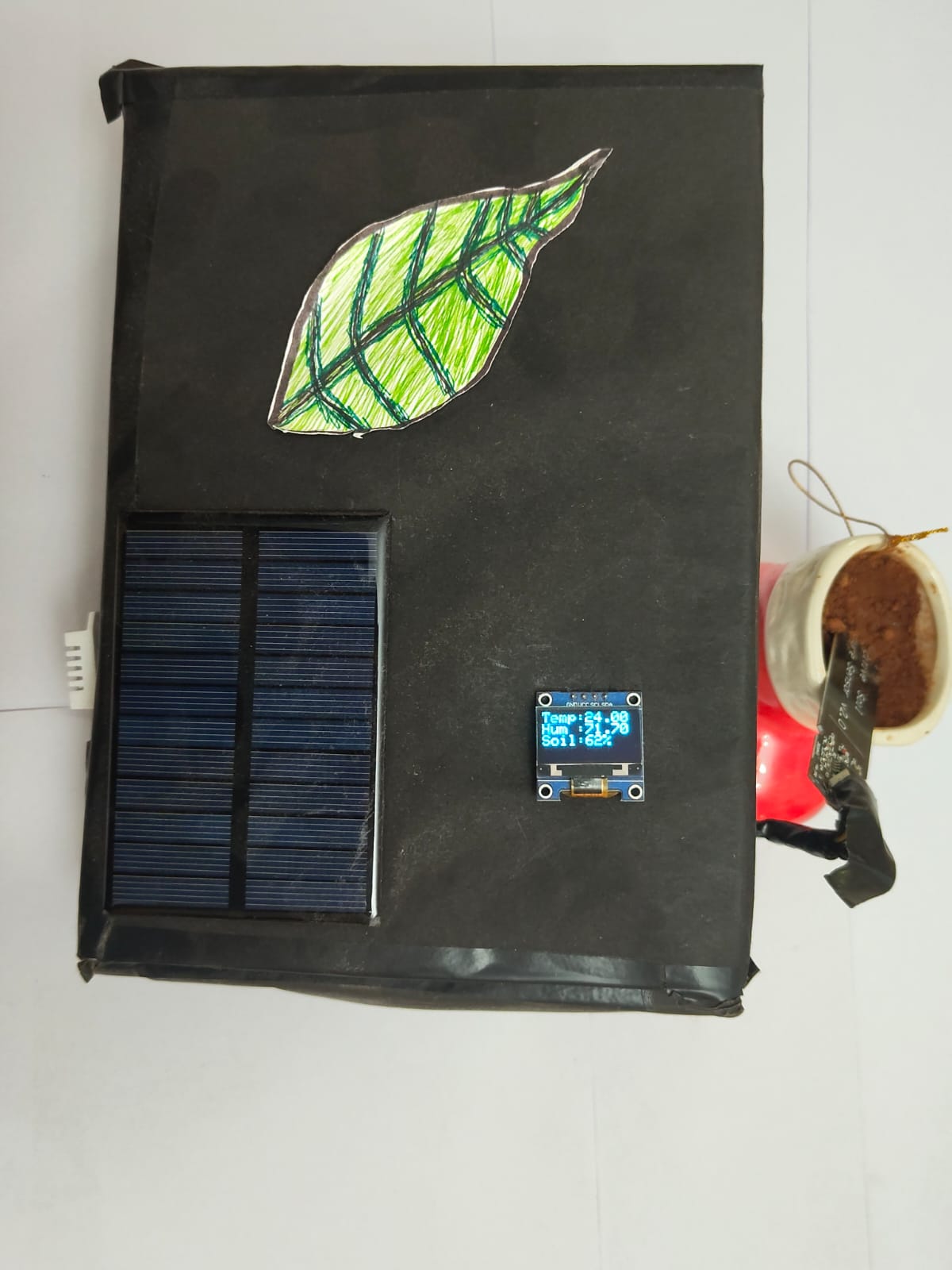
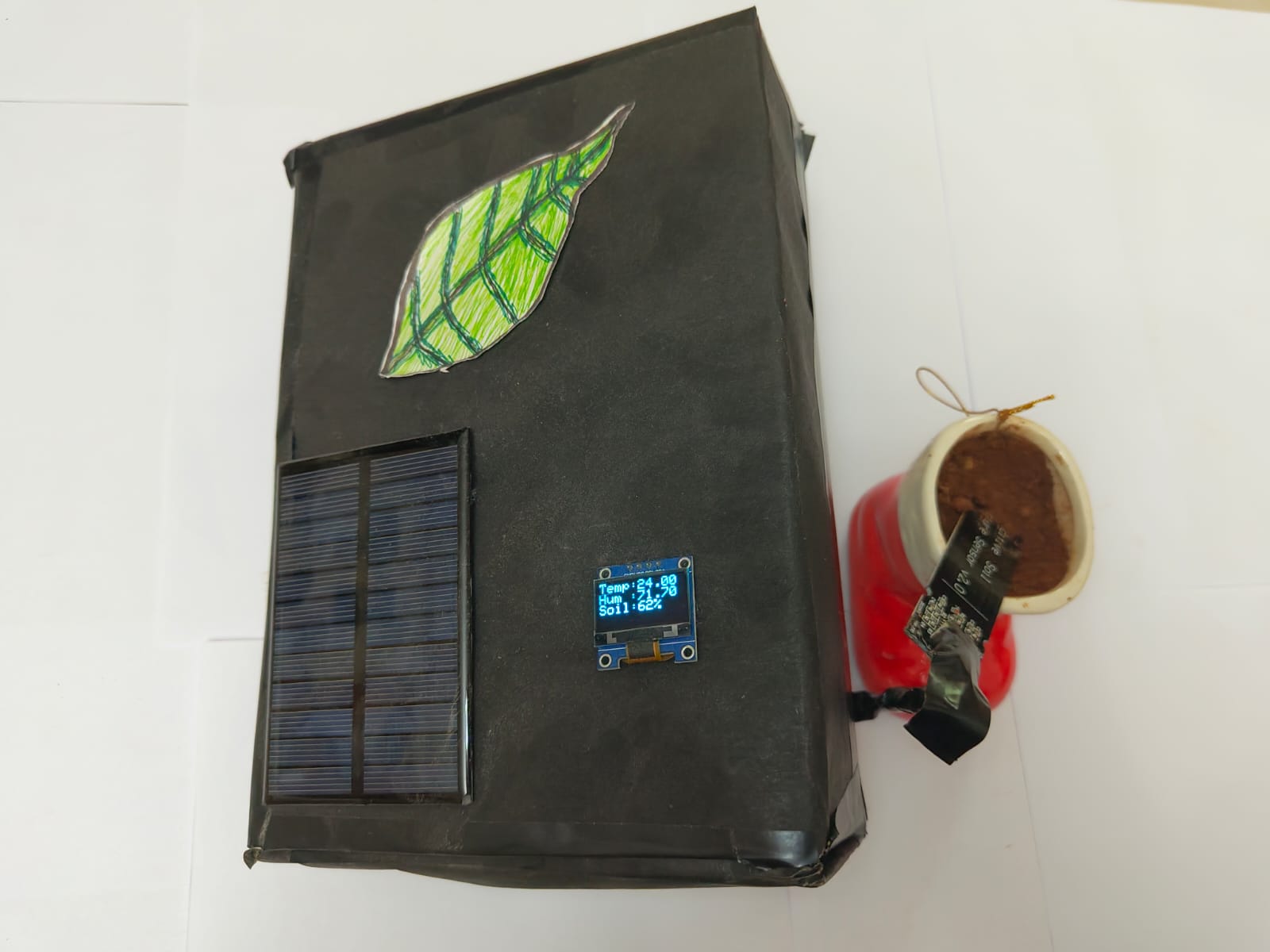
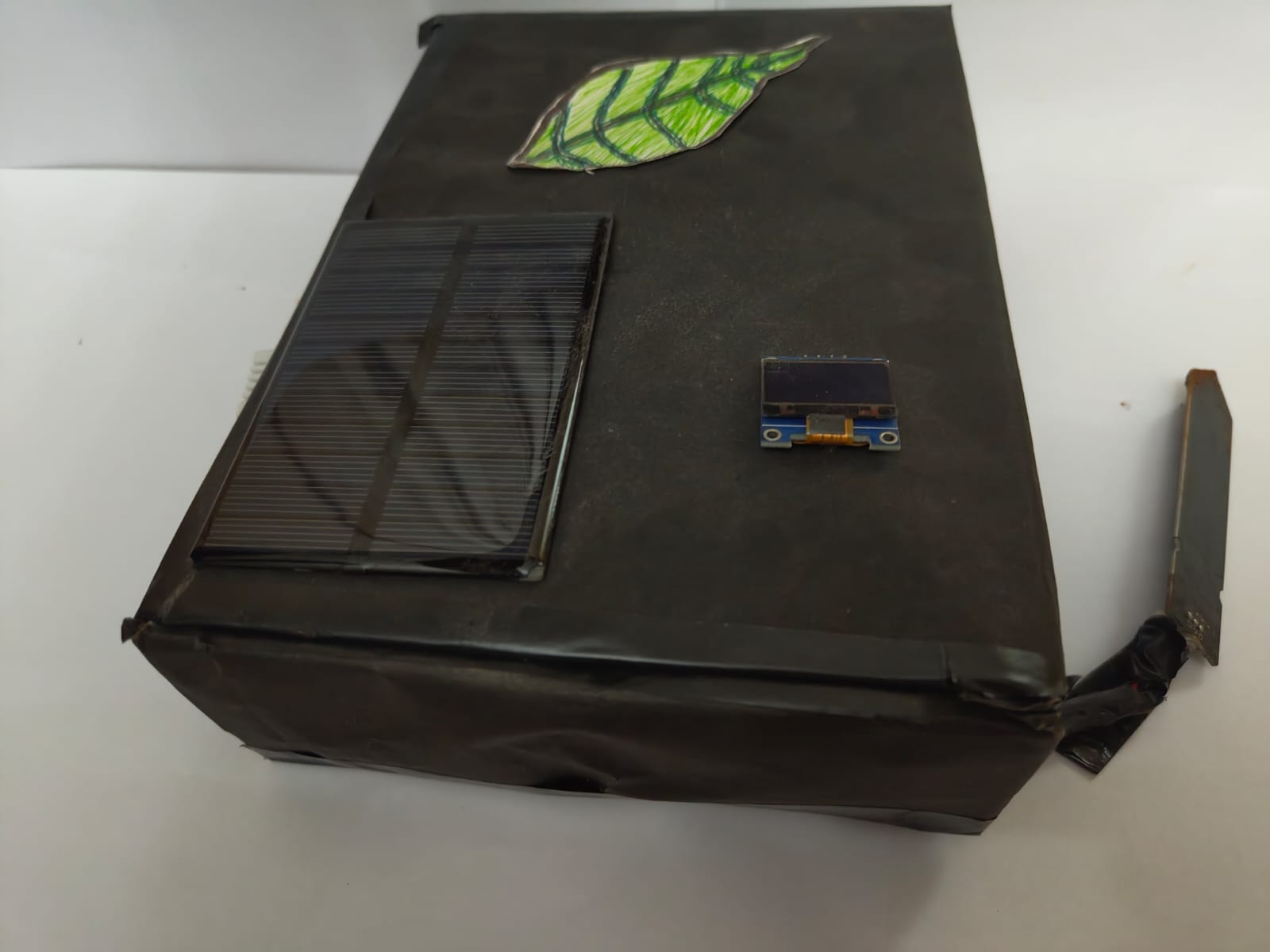
A solar-powered soil and weather monitor built by a team of three. It runs with no mains power, no internet connection, and no running cost.
Published · Jeevana School Newsletter · 2026
If Only These Walls Could Talk
— Vishnu Thiagarajan
If only these walls could talk,
They would narrate stories of young faces,
Who rush eyeing the clock,
At the bell organising their races.
In these halls, strong friendships grew,
Of which some withstood the test of time,
While others unfortunately fell through,
As the walls watched in silent mime.
Uniforms well worn became faded,
Shoes grew large, voices grew deep,
As the past for the future they traded,
And the joys of school life they learnt to reap.
Though the years pass swiftly and students drift apart,
Preserved within these silent walls is their joyful heart.
— BY VISHNU THIAGARAJAN —
04
Projects
Team ProjectSolar PoweredAge 15🏆 1st Place
Project FarmSense — Smart Plant Monitor
A device that monitors soil and weather using only sunlight as its power source. No cables. No internet. No ongoing cost. 1st place, school computer fair. Built for ₹1,199.
Most teams at the computer fair built something safe. We wanted to build something a person could actually use, rather than a demonstration that we knew how to wire up a sensor.
The question we started with was this: how do you give a farmer or a gardener useful, live information about their soil and their environment, without asking them to install a power cable, connect to the internet, or pay anything to keep it running? The answer was FarmSense. Our team built a device that reads moisture in the soil, air temperature, and humidity, displays all three live on a small screen, runs entirely on a solar panel, and costs nothing to operate after the initial setup.
FarmSense was built with two classmates, Deepan Kishore and Ajay Krishna. Our first idea was something far more ambitious, and we spent a while on it before working out that the parts alone would have gone well past the ₹2,000 budget the competition allowed. I already owned one of the expensive components and could have used it to get us under the limit on paper, but that would have meant competing against everyone else on an uneven footing, so we dropped the idea and started again.
Once we had settled on FarmSense I took the technical direction, worked out what we needed and how it would fit together, and split the work from there. Deepan wrote a good part of the sensor code, Ajay handled the research and planning, and I built the power system, did the soldering and assembled the final unit.
Close to the deadline the display stopped showing anything at all. We assumed a wire had failed somewhere and pulled things apart looking for it, but it turned out to be a software conflict instead. Sorting that out was the last thing standing between us and a device that worked.
The Thinking Behind It
We agreed on three rules before designing anything: no mains power, no internet, no running cost. Everything else had to fit around those.
It would have been far easier to build the other kind of device, the one that plugs into a wall and pushes readings to a phone app. Plenty of those already exist and most are better than anything we could have made. Building to the three rules instead meant the thing had to survive on its own in a field with nobody looking after it, which is harder and, I think, more useful.
What the Device Does
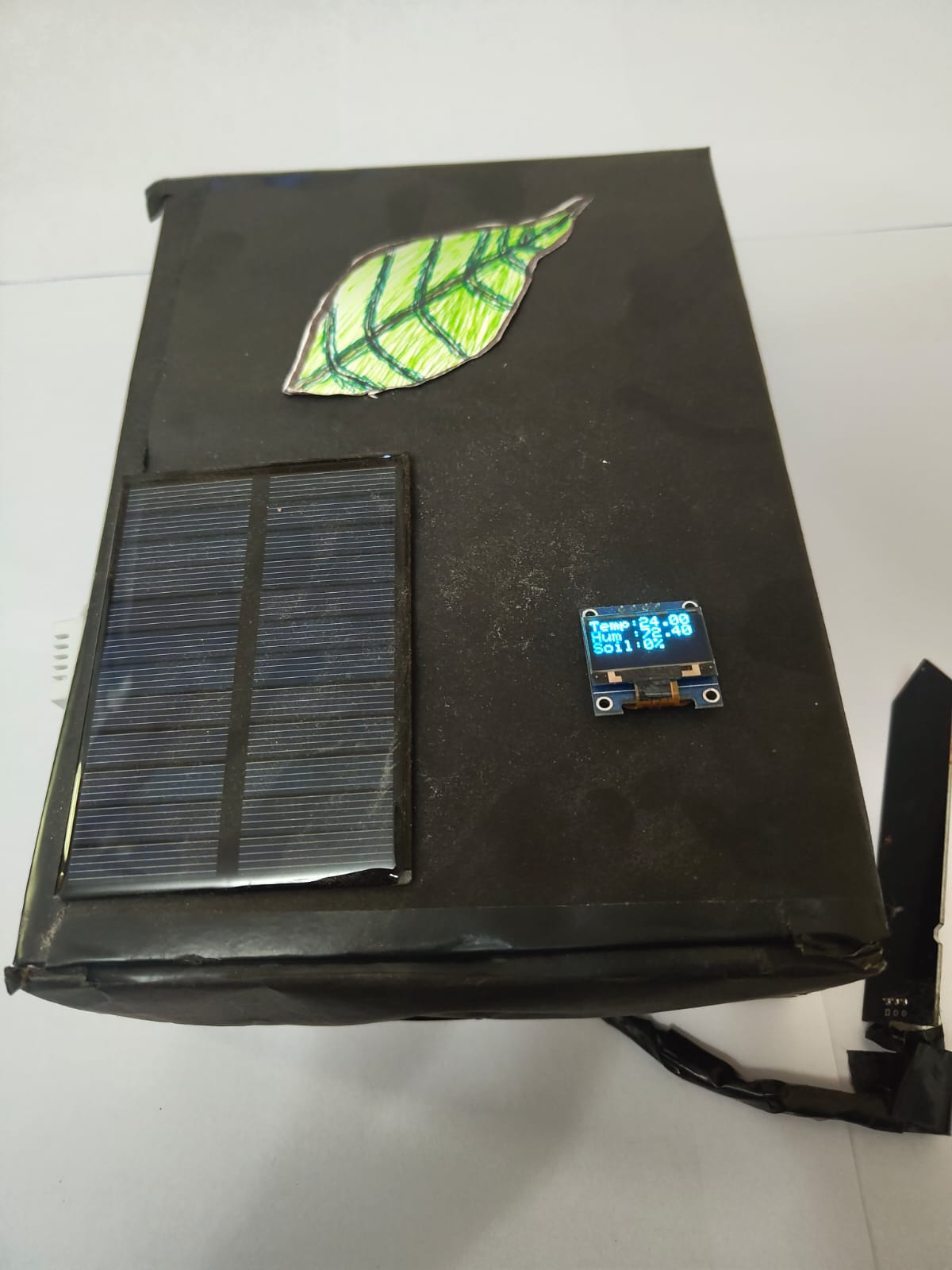
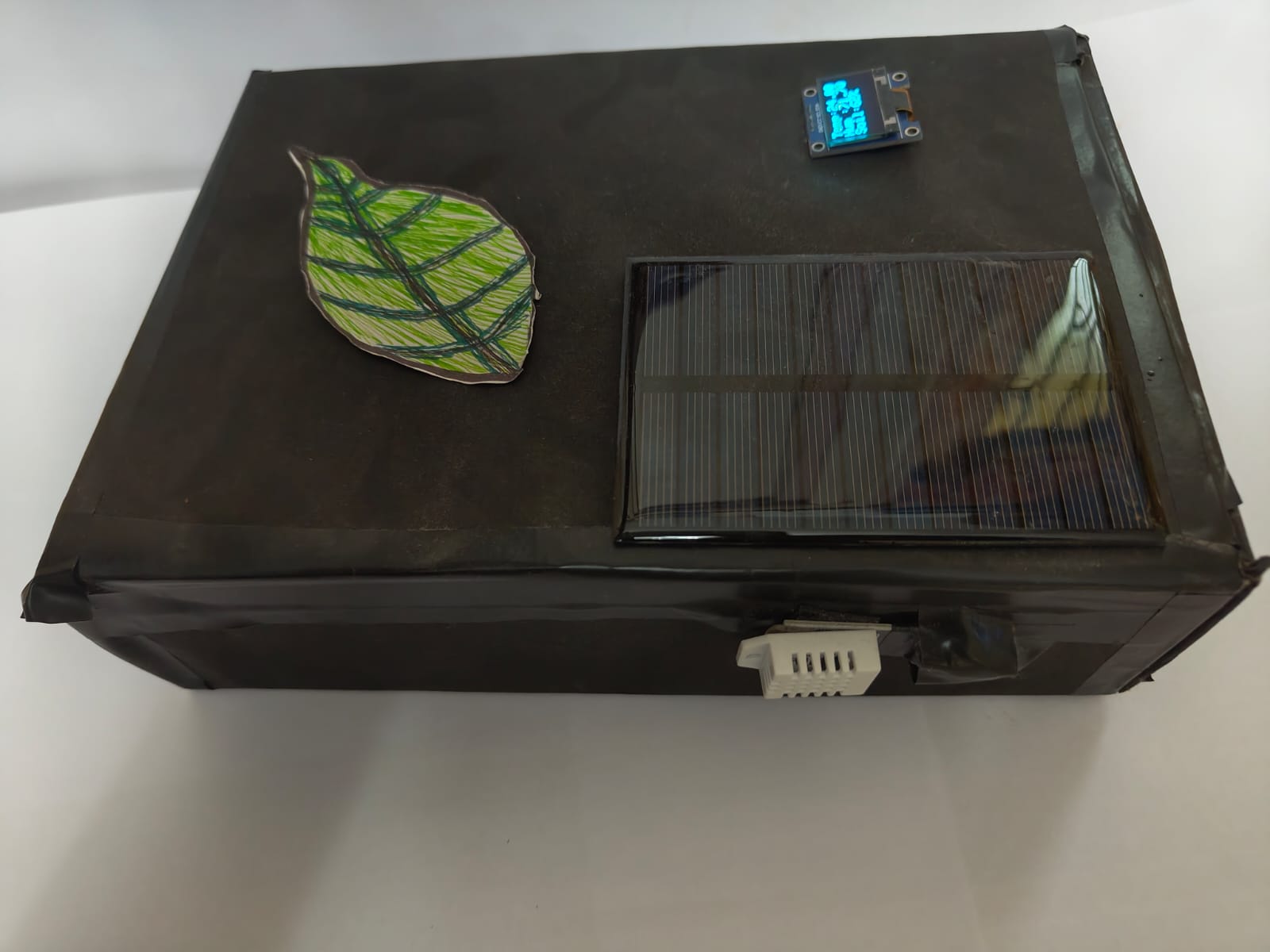
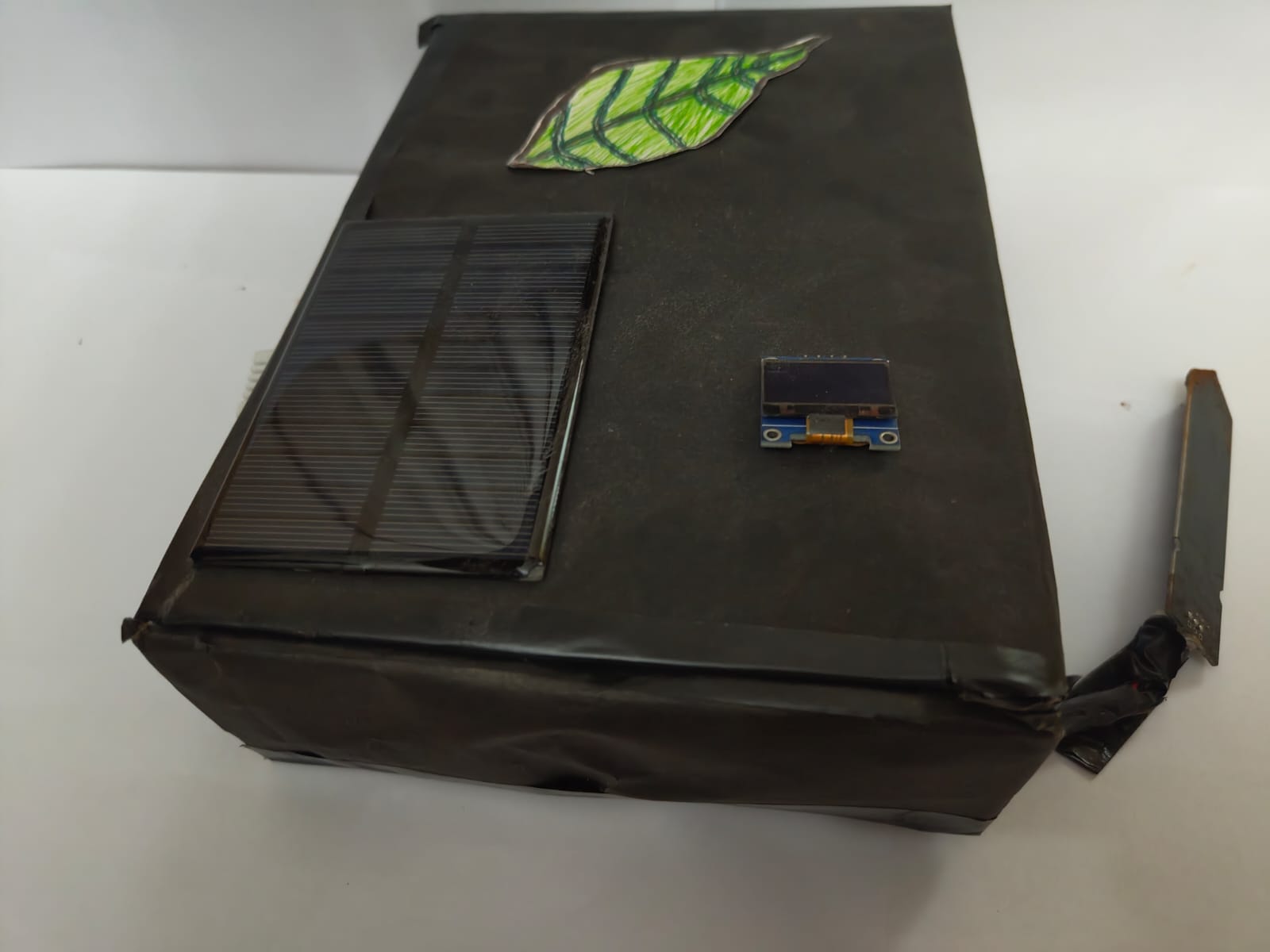
FarmSense is a compact, self-contained unit. It has a sensor you push into the soil, which measures how much moisture is present. It also reads the air temperature and the relative humidity of the surrounding environment. All three of these readings are shown live on a small screen attached to the unit. The readings update continuously.
The device is powered by a small solar panel. During the day, the solar panel generates electricity and stores the surplus in a rechargeable battery inside the unit. At night, or on cloudy days, the device draws from that stored energy and keeps running. The battery system is protected in both directions — it will not be overcharged when there is excess solar power, and it will not be drained to the point of permanent damage during extended low-light periods. Both of those protections happen automatically, with no action required from the user.
Once it is set up, sensor in the soil and panel facing the sun, it looks after itself. Nothing to charge, nothing to configure, nothing to maintain.
The Result
The finished device cost ₹1,199 in total, roughly the price of one meal at a mid-range restaurant. It was fully functional, cleanly presented, and took first place at the school computer fair.
What FarmSense taught me was what it actually feels like to build something with other people rather than alone. Working solo, the only limit is your own effort. Working in a team, the limit is how well three people can hold the same picture in their heads at once. Learning to keep that picture aligned turned out to be a harder and more valuable skill than any part of the build itself.
Technical Notes — For Technical Readers [ tap to expand ]▸
FarmSense is built around an ESP32 microcontroller reading from a DHT22 sensor for ambient temperature and relative humidity, and a capacitive probe for soil moisture. All three values display continuously on an OLED screen.
The power system runs as a four-stage chain. A 6V 180mA solar panel feeds an LM2596S buck converter, which steps the input down to a regulated 5V.
That output drives a TP4056 lithium-ion charging module, which manages charge delivery to an 18650 cell rated at 2200mAh. The module enforces an upper cutoff at roughly 4.2V and disconnects the load under low-voltage conditions to prevent deep discharge, so the cell is protected in both directions without anything for the user to manage.
Downstream of the cell, an MT3608 boost converter produces the stable 5V rail that supplies the ESP32 and all peripherals. Keeping each conversion stage separate means a fault or fluctuation at one point does not propagate through the rest of the chain.
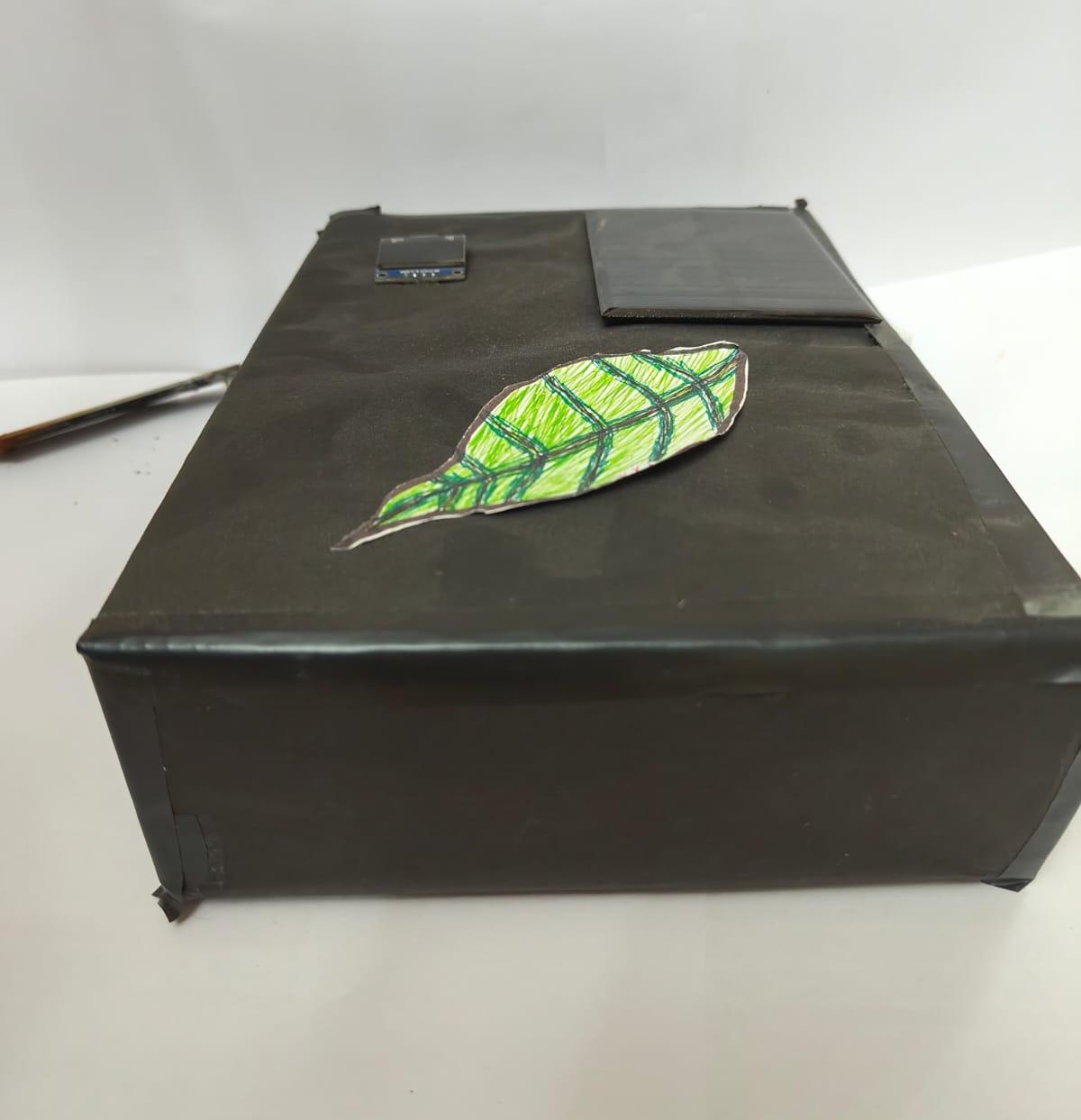
Total component cost was ₹1,199. The enclosure is custom cardboard with a hand-drawn leaf graphic on the top panel.
Self-FundedAviationAge 156 Months
Project HOTAS — Throttle Quadrant
Built from scratch after the commercial option cost too much. Six months. Twenty-eight redesigns. One working result.
I fly a military-grade flight simulator called DCS World — think of it as the most realistic aircraft simulation available to the public outside an actual cockpit. For a long time, I had a frustrating problem: both engines on my twin-engine aircraft were controlled by a single lever on my joystick. In combat, when one engine took damage, I had no way to manage the two independently. I needed a dedicated controller with two separate levers — one for each engine — so that even a damaged aircraft could be kept in the air.
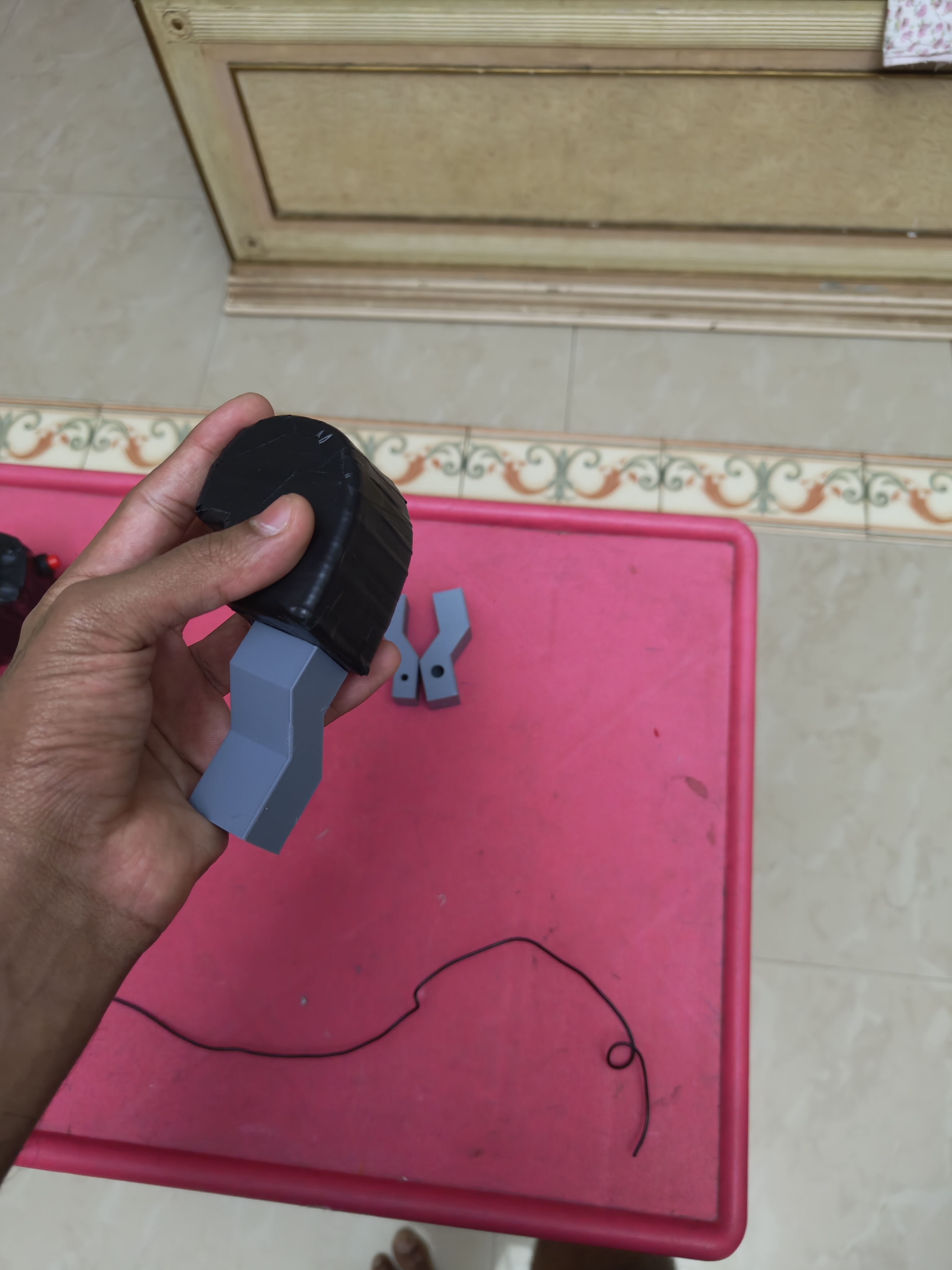
The commercial version of what I needed starts at around ₹25,000. I was fifteen, had never designed anything in three dimensions, and had no training of any kind, so I decided to build one instead. It took six months and I got it wrong far more often than I got it right, but the thing sitting on my desk now works, and I use it almost every day.
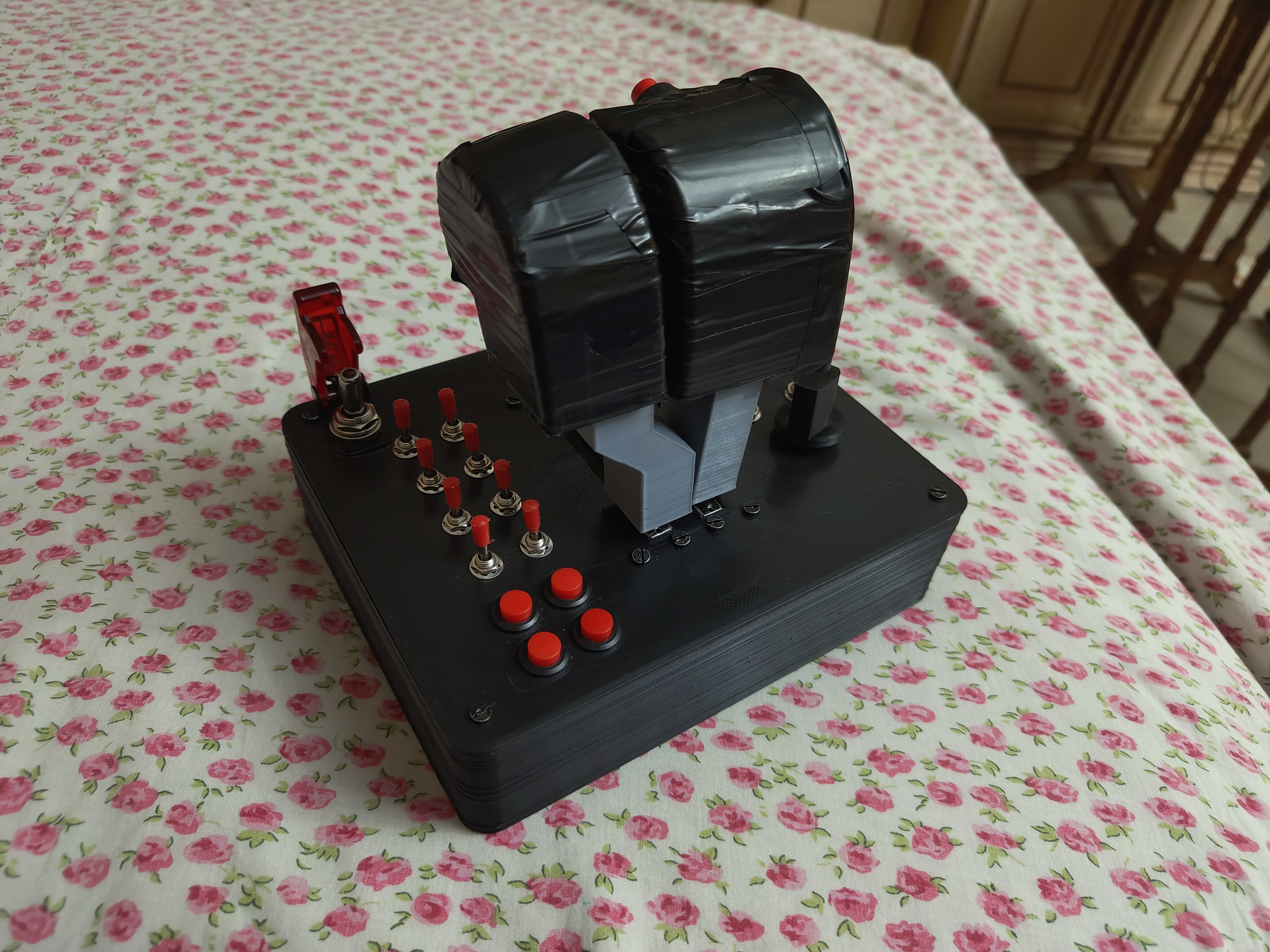
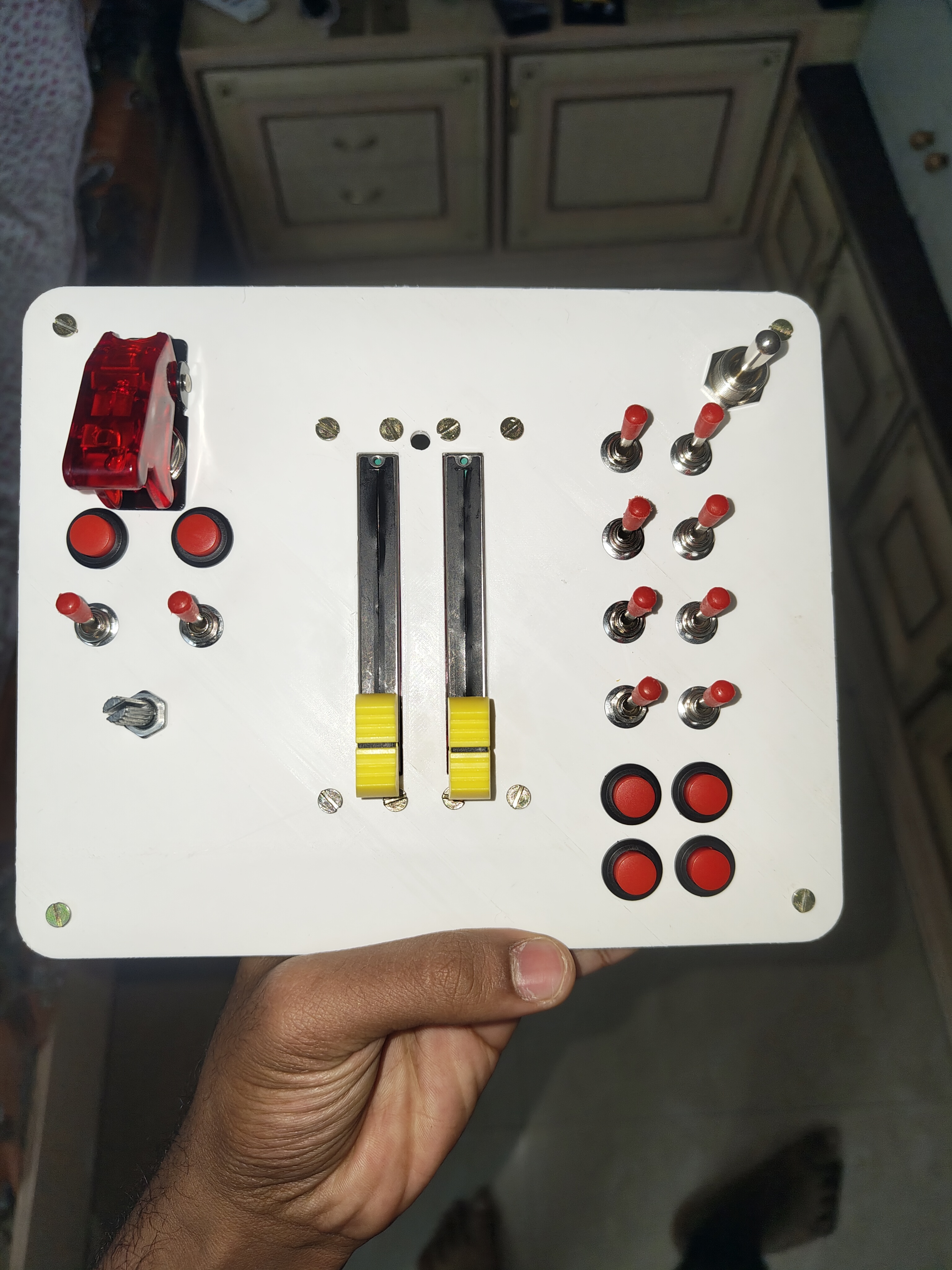
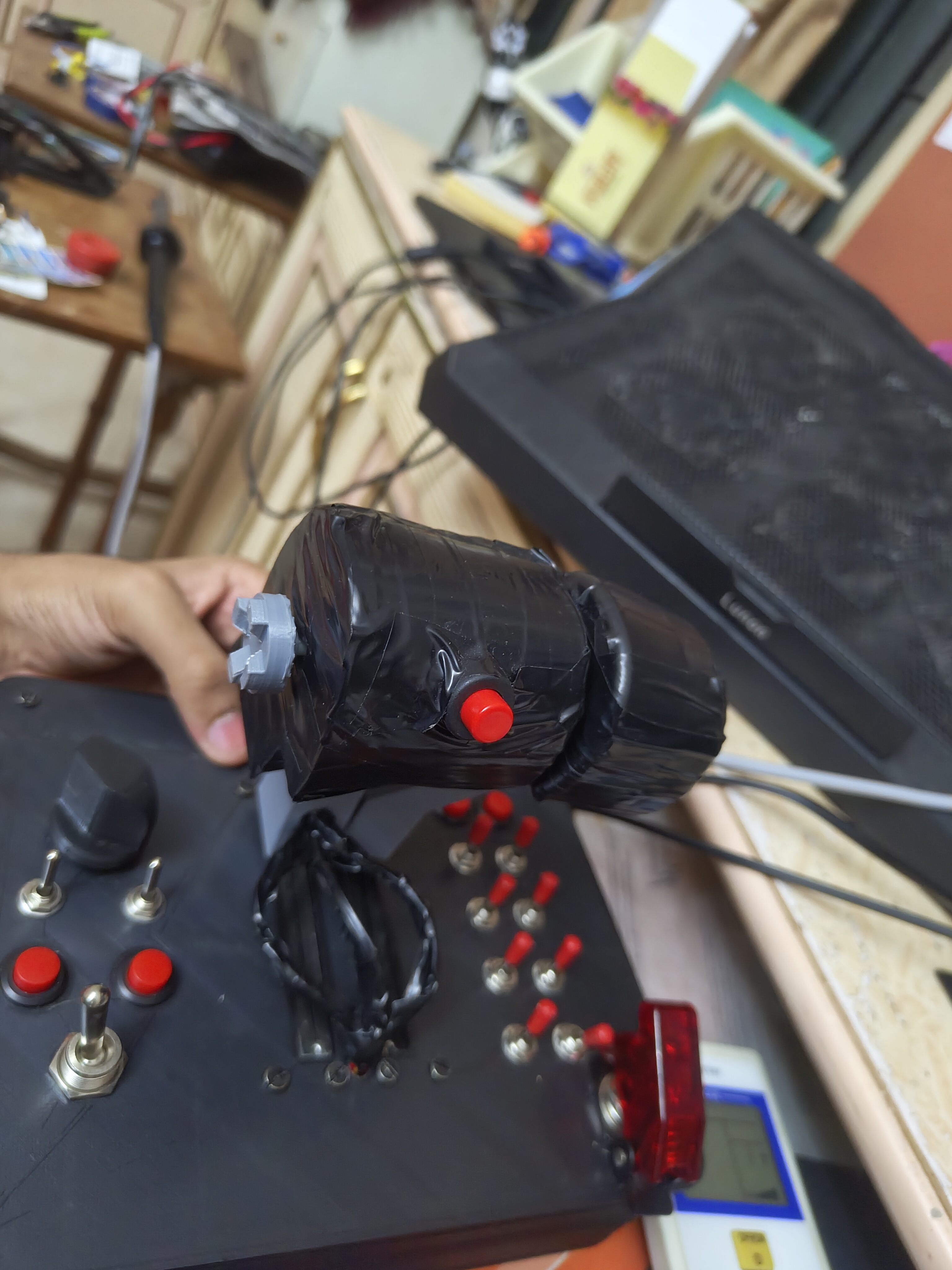
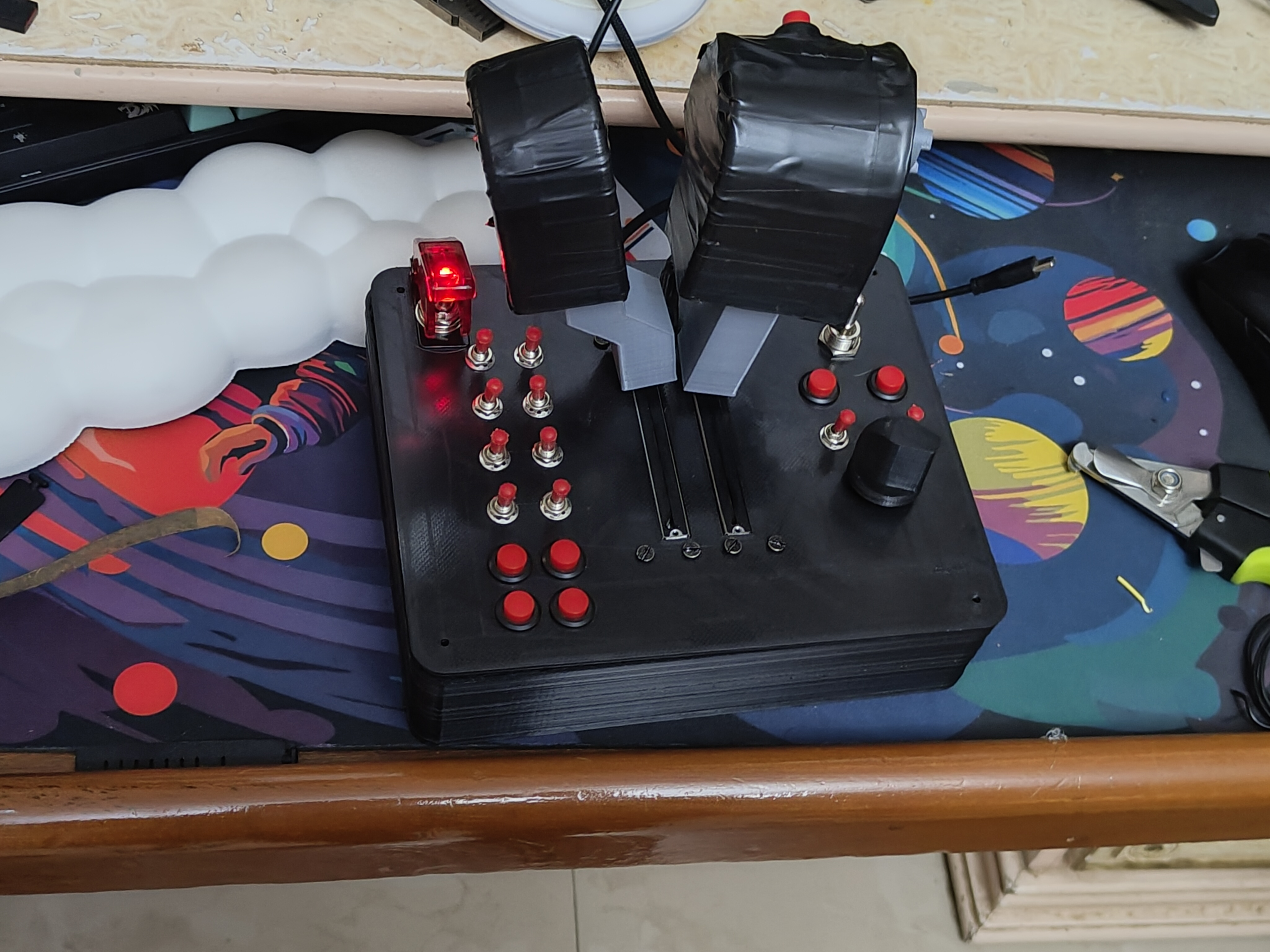
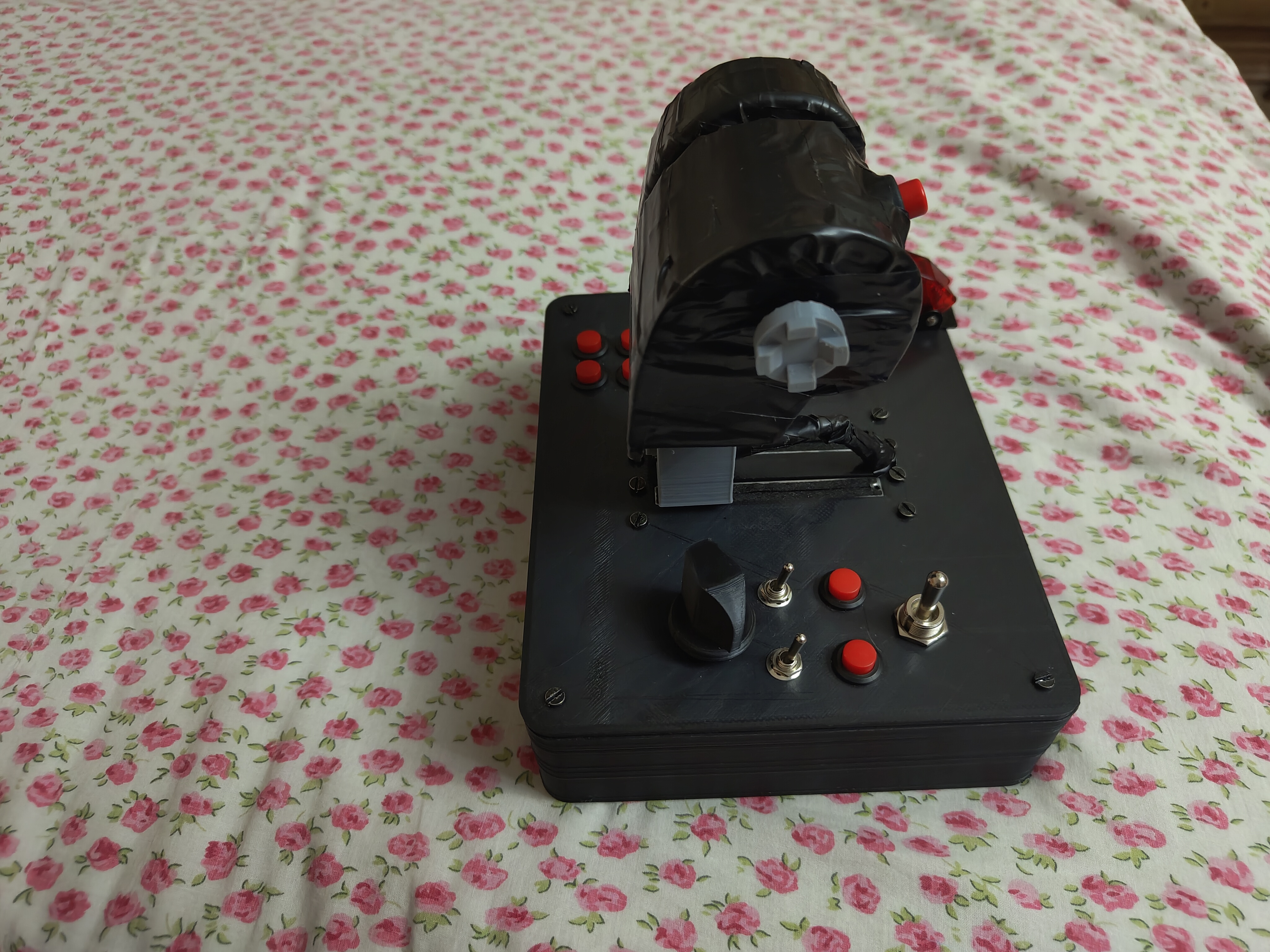
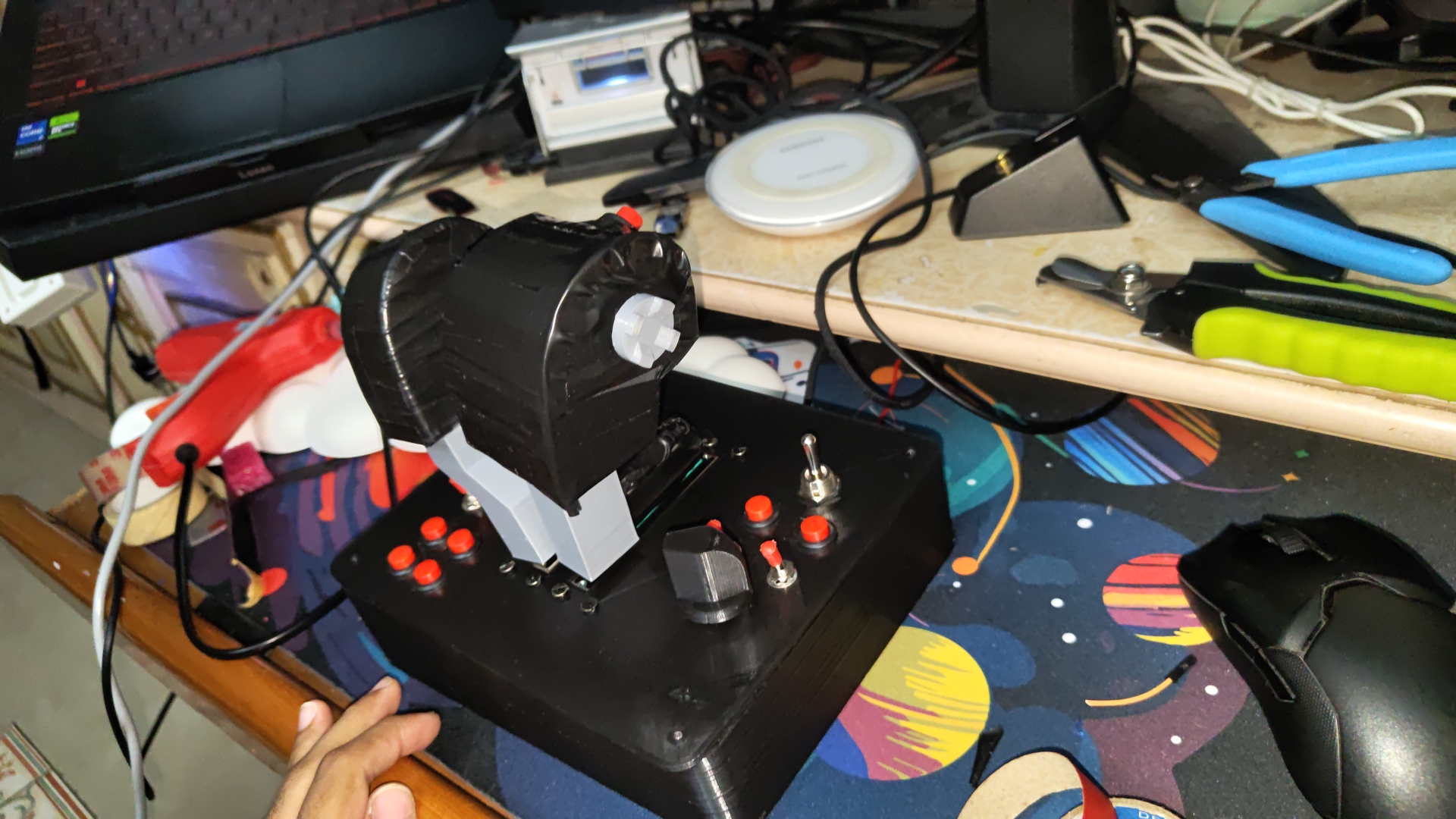
Completed HOTAS — front view, both throttle handles in position
Where It Began
I remember the exact moment the project started. I was studying when a notification appeared on my phone showing a component I had never seen before — a sliding potentiometer. It is a simple part: you slide it back and forth, and the device connected to it reads how far along the slider is. The moment I saw it, I realised that two of these, placed side by side, could act as two completely independent engine levers. A few toggle switches would become buttons. The entire controller I needed could theoretically be built from individual parts for a fraction of what brands were charging.
I added the components to my cart, and the project had begun.
Twenty-Eight Redesigns
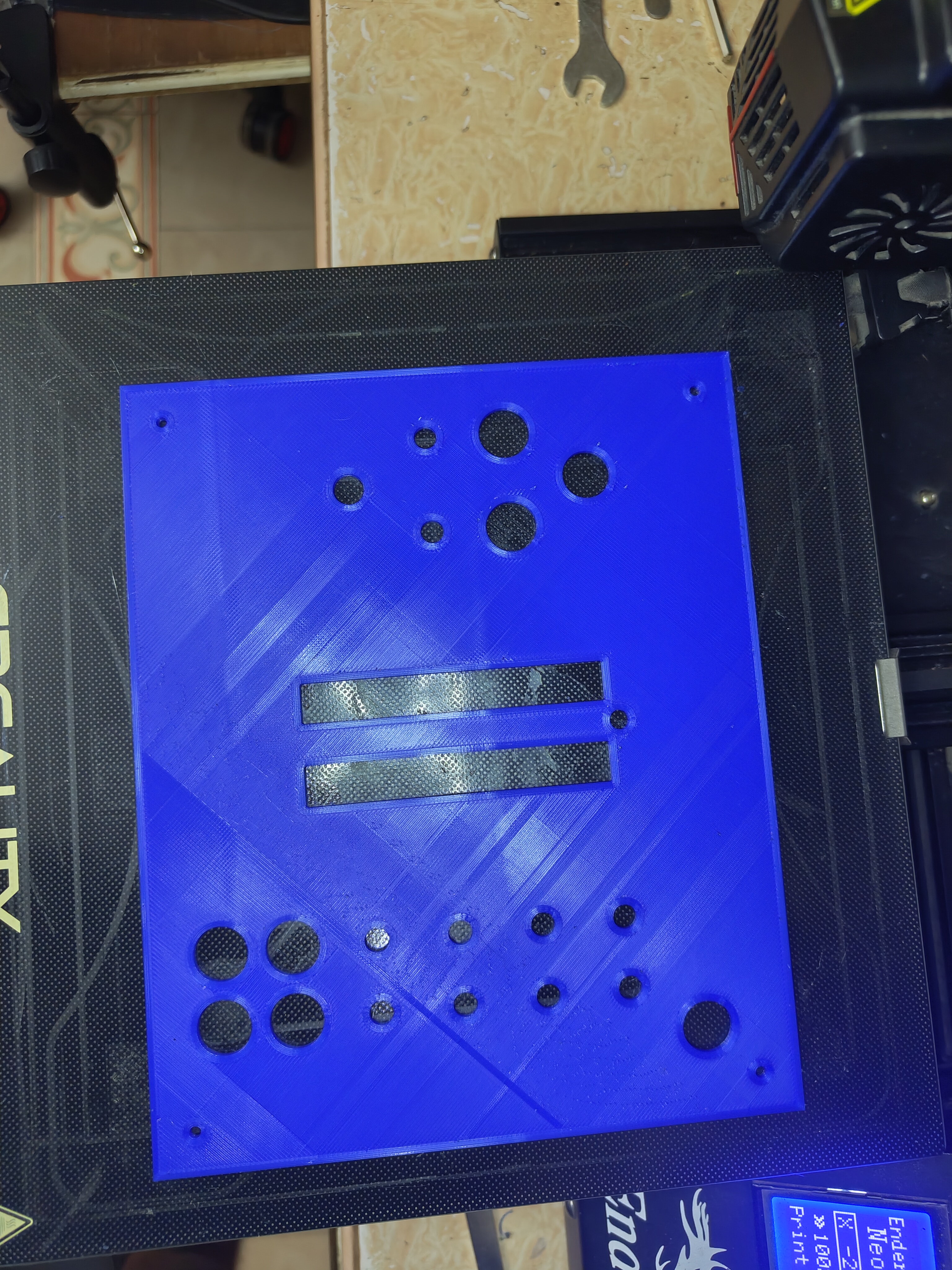
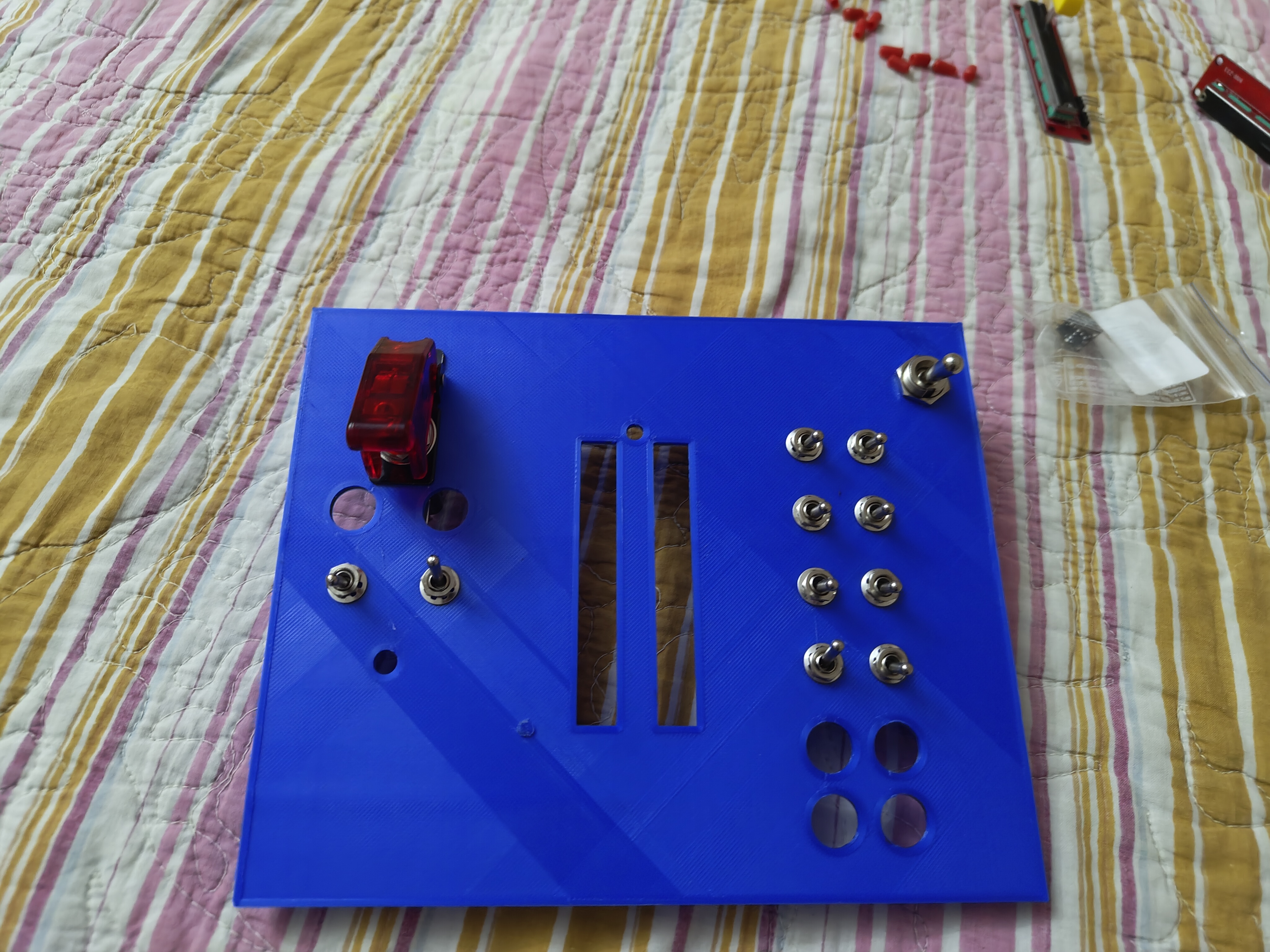
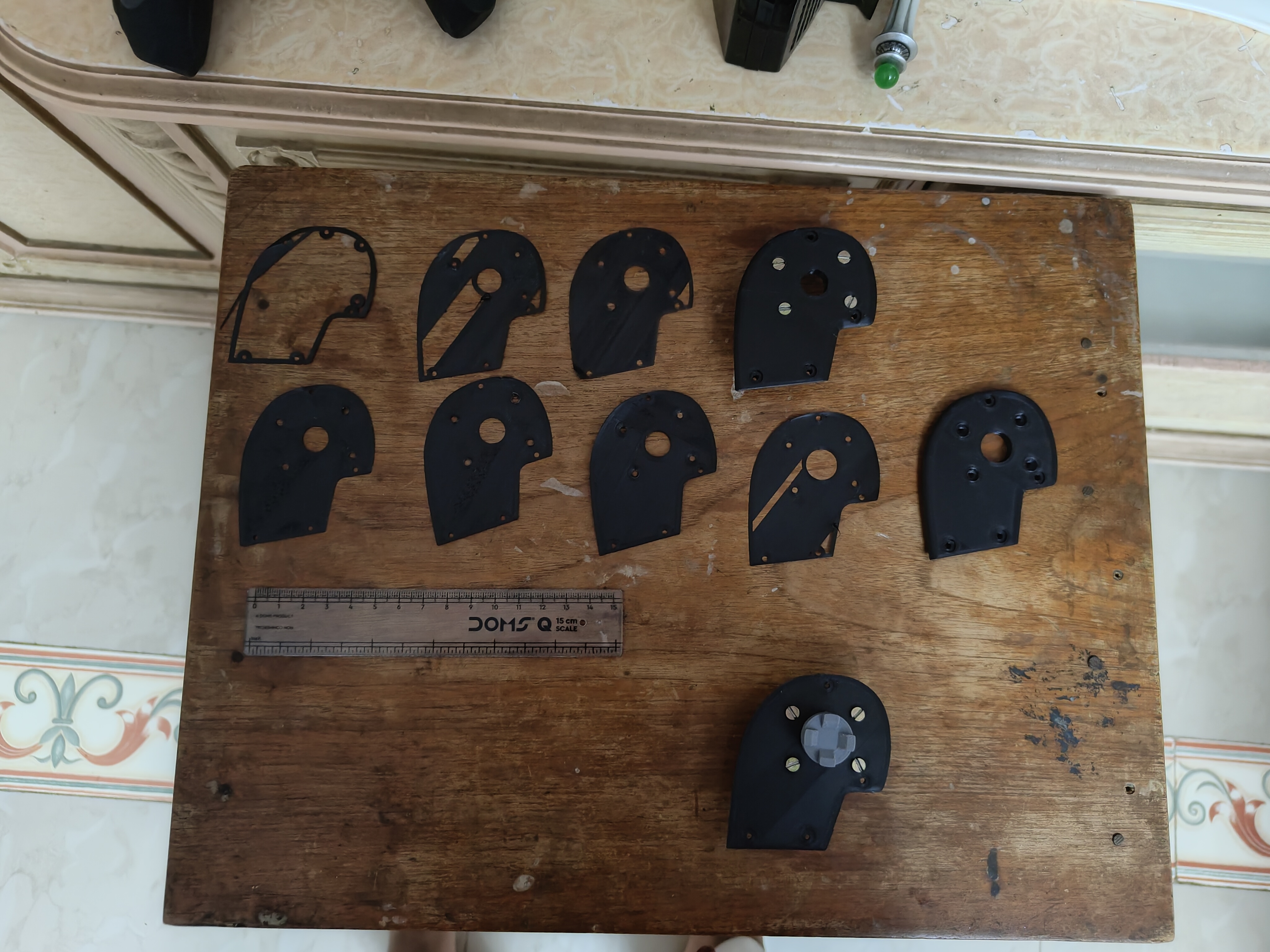
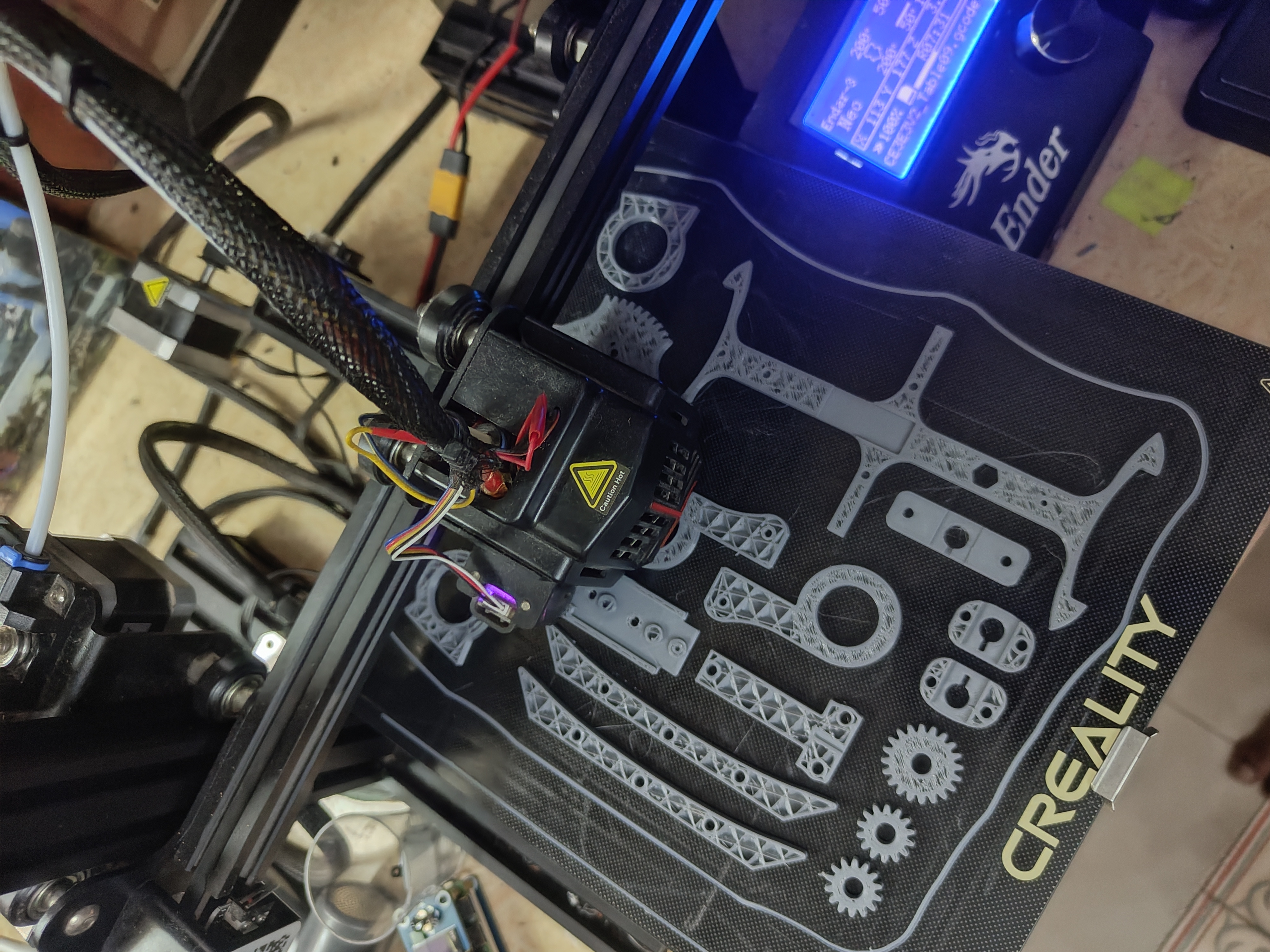
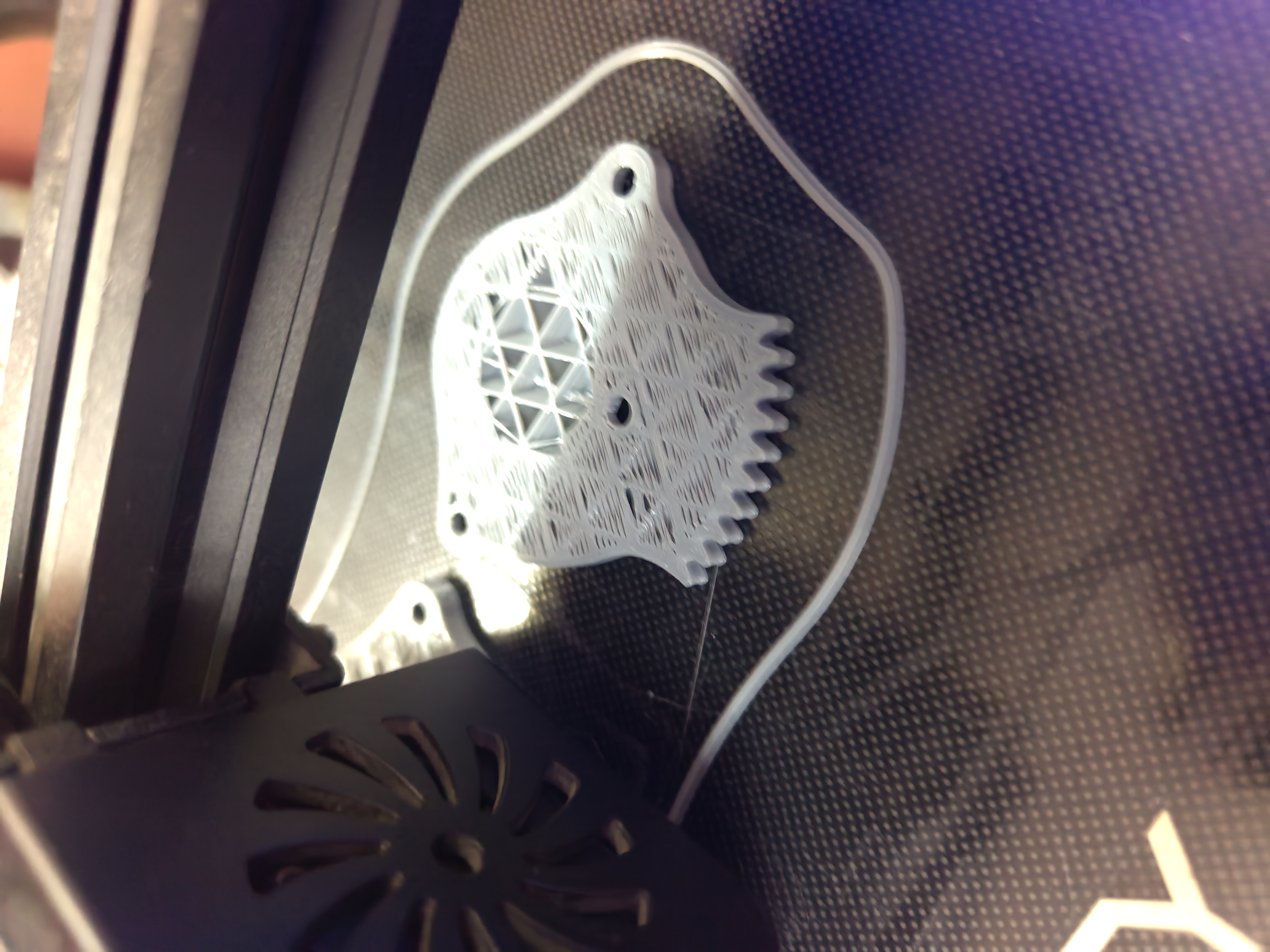
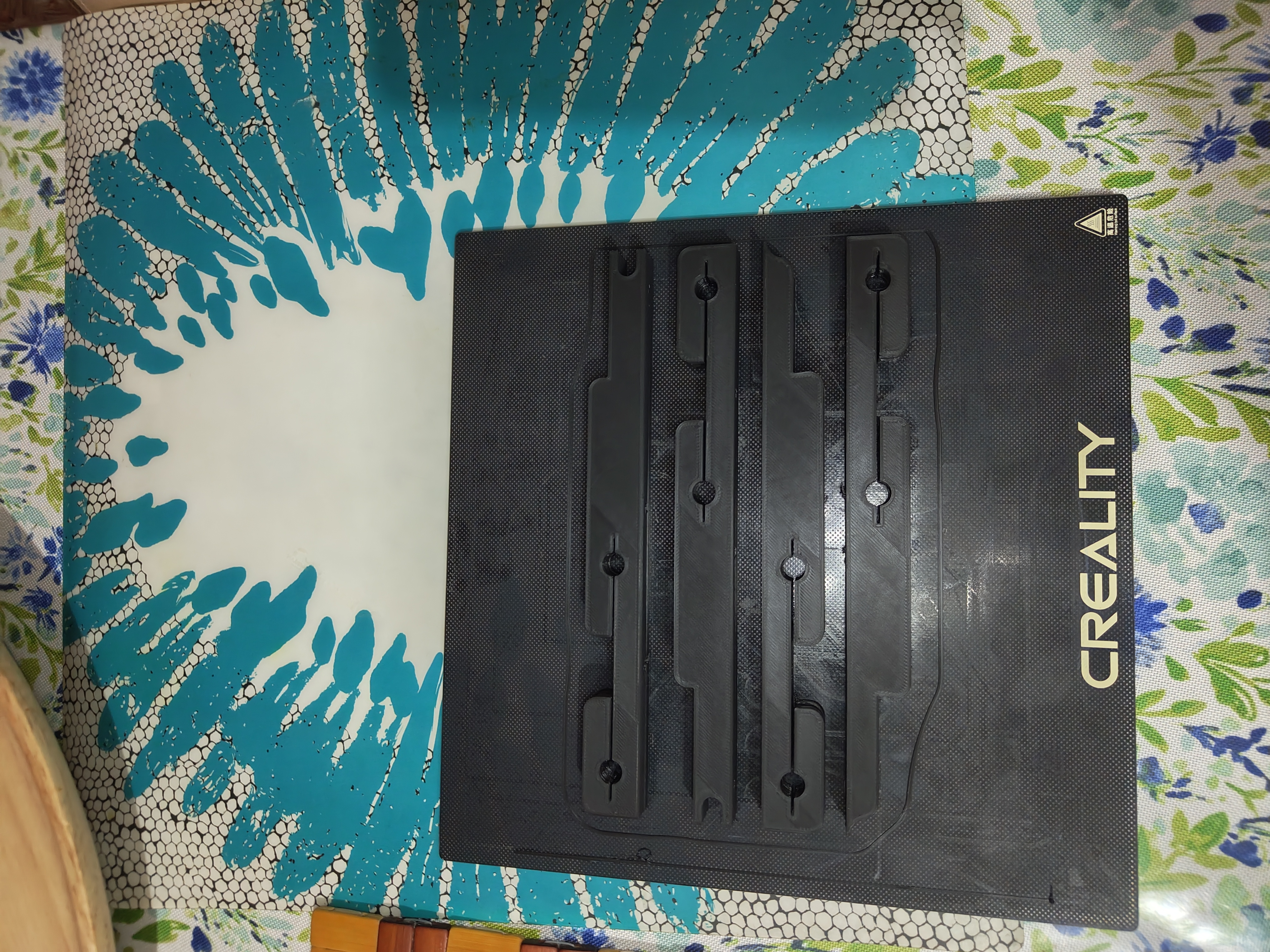
The most time-consuming part of the whole project was designing the casing, the 3D printed housing that holds every button, switch and lever in place. I had never designed an object in three dimensions before, so I learned by doing it badly: model a part, 3D print it, find everything wrong with it, and start again.
I went through twenty-eight major versions of the main casing. Many of those versions had multiple sub-versions — small adjustments that each got their own print and test — before being replaced entirely by the next major version. The version numbering started over at version one each time a design changed fundamentally enough to warrant it, and some sub-versions counted up to 0.9 before the next major reset. It was a long process.
What made this survivable was realising I did not have to print the whole casing to find out whether it was wrong. A full print took seventeen hours. But every hole and mounting point that mattered sat in the first few layers, so printing only those took about twenty minutes and told me everything I needed to know. I could find a problem, fix it and test again in the same evening. That is the only reason getting through twenty-eight versions was ever realistic.
Problems Solved Along the Way
A fair number of parts came off the printer not quite fitting. I dealt with that the obvious way at the time: if a hole was too tight or a slot too narrow, I opened the model, made it bigger, and printed it again. A good share of the twenty-eight versions exist for exactly that reason.
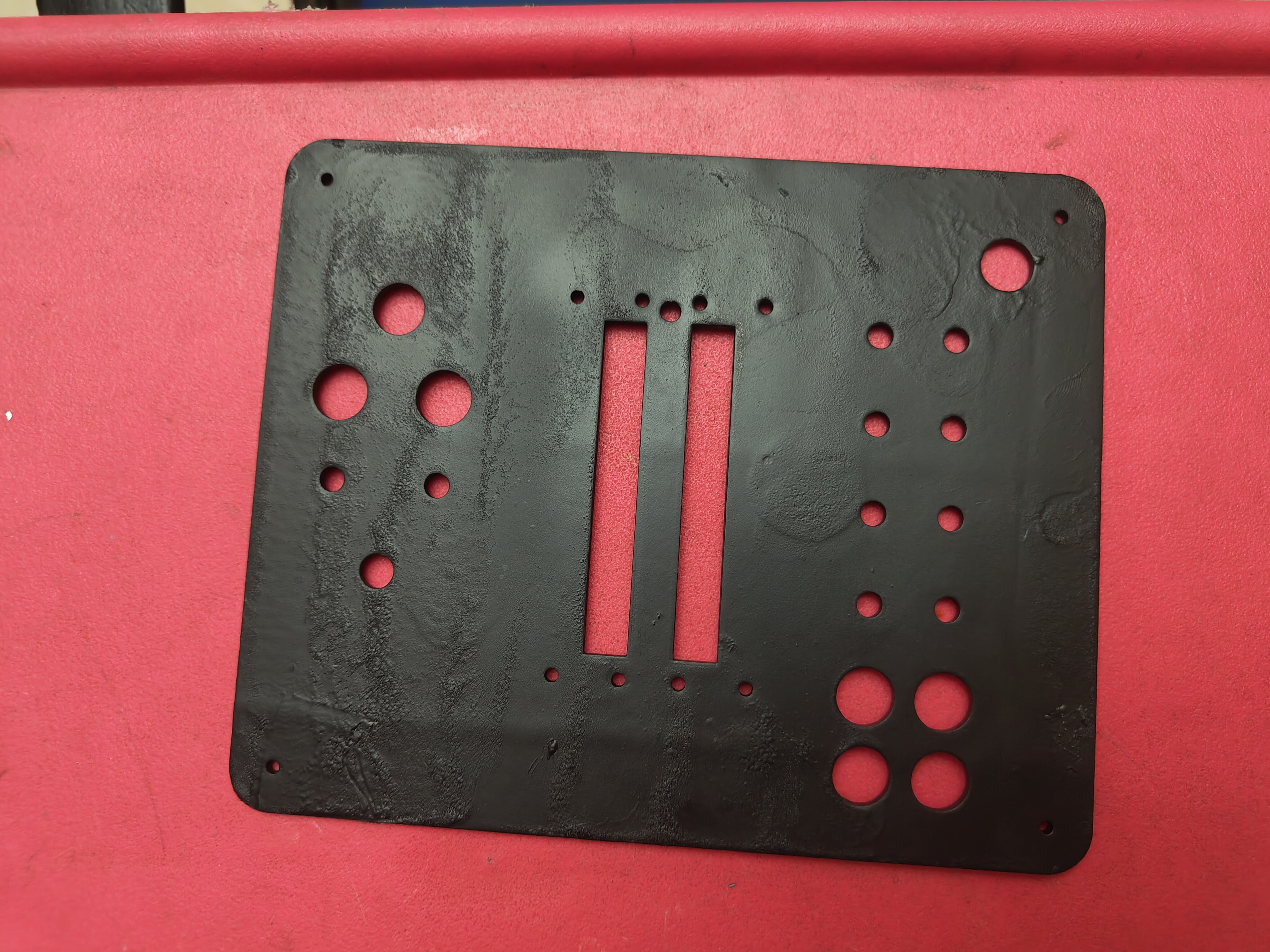
One print failed near the top, which left the four mounting holes in the corners of the housing badly formed. Reprinting meant another eighteen hours for the sake of a few millimetres of height, and the rest of the part was perfectly good, so I drilled the holes out by hand instead using a thin blade attachment fitted to an old electric hair trimmer. Not the tool anyone would recommend, but it made four clean holes and saved most of a day.
I also built something into the controller's software that I am particularly proud of. If you flip one specific switch on the controller before plugging it in, the device changes its behaviour entirely: instead of appearing on the computer as a game controller, it appears as an editable storage drive. This means I can update settings, adjust sensitivity, and change any part of the configuration without ever opening the hardware and without needing any special tools. It was a small design decision, but it made ongoing development and maintenance dramatically cleaner.
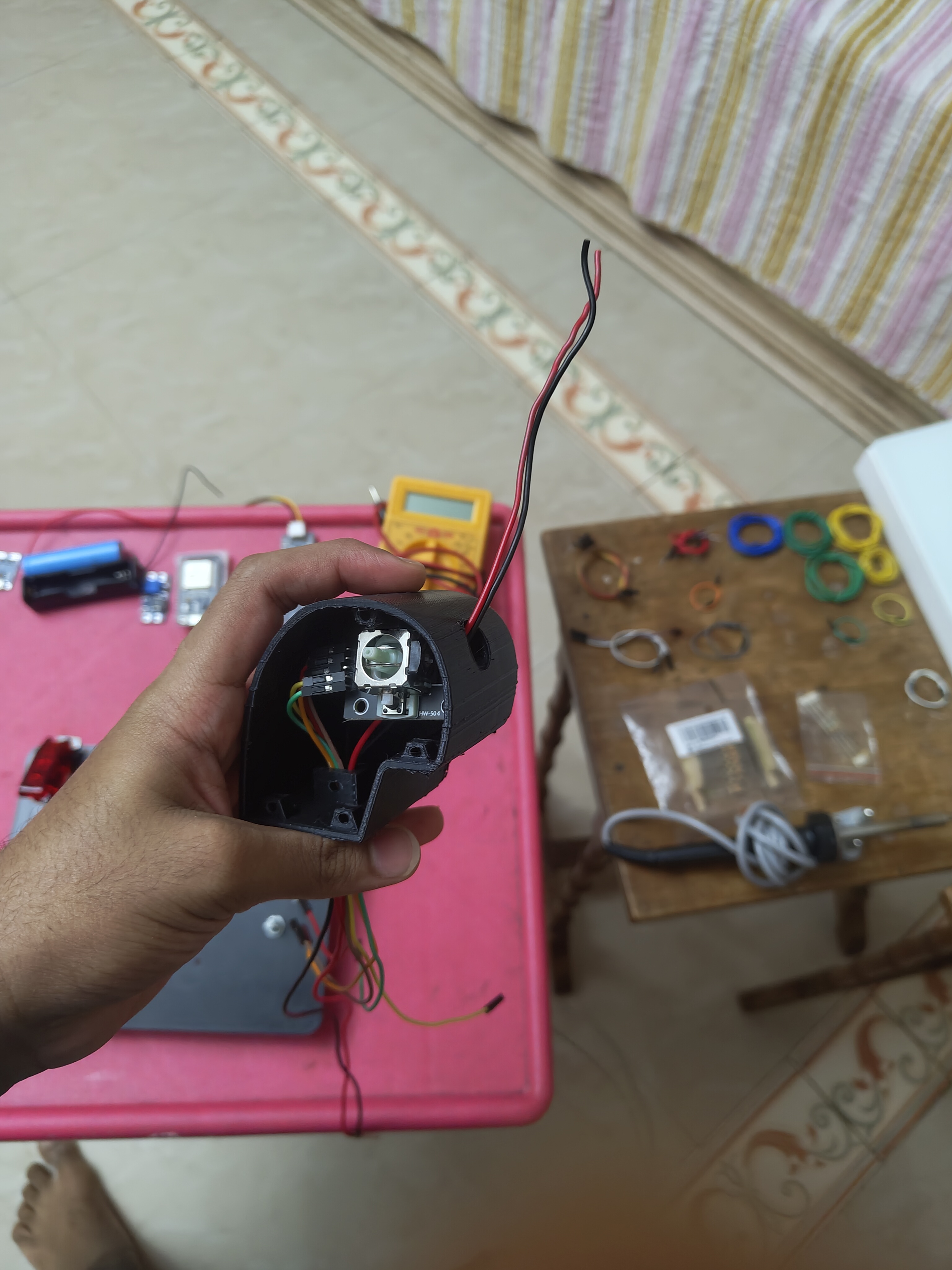
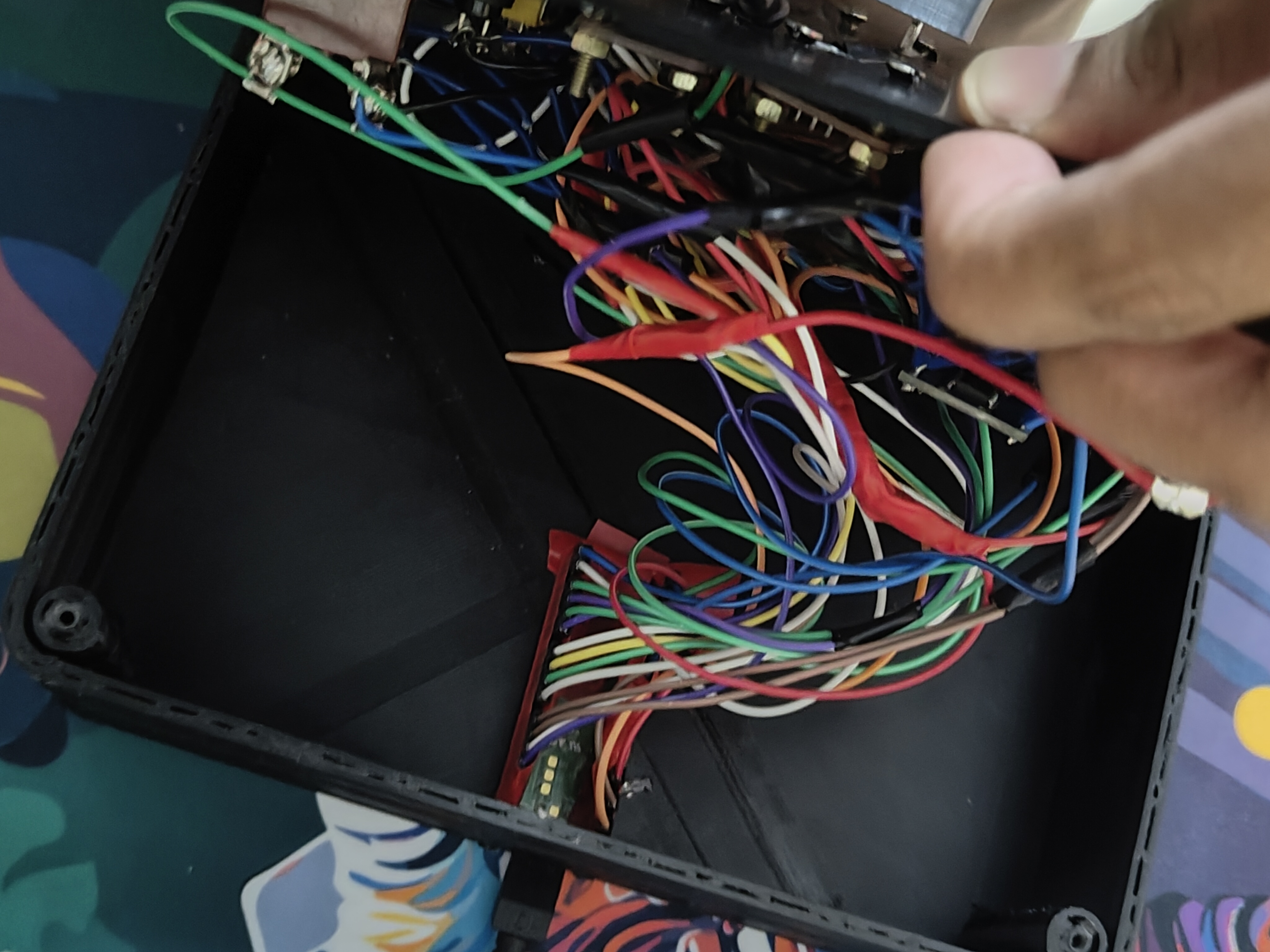
Later in the build, I noticed that the wiring running from one of the handles was starting to show signs of stress. Every time I moved the throttle to full power and back, the same point in the wire was bending sharply. If I had left it, the wire would eventually have broken at that point. Instead, I redesigned the way the wires were routed so that the tension was spread across three separate sections rather than concentrated at one. The wiring has been running without issue ever since.
The Finished Result
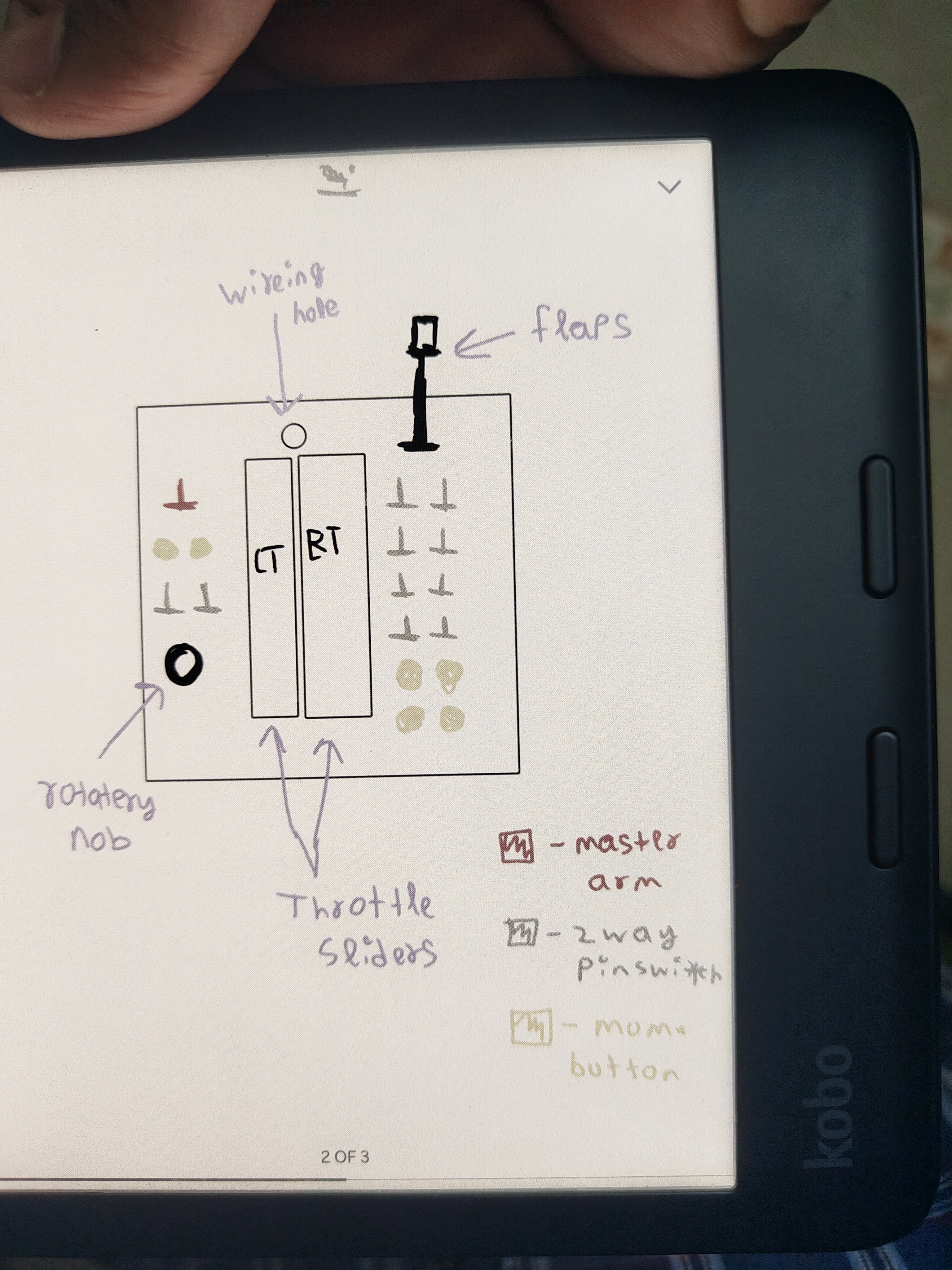
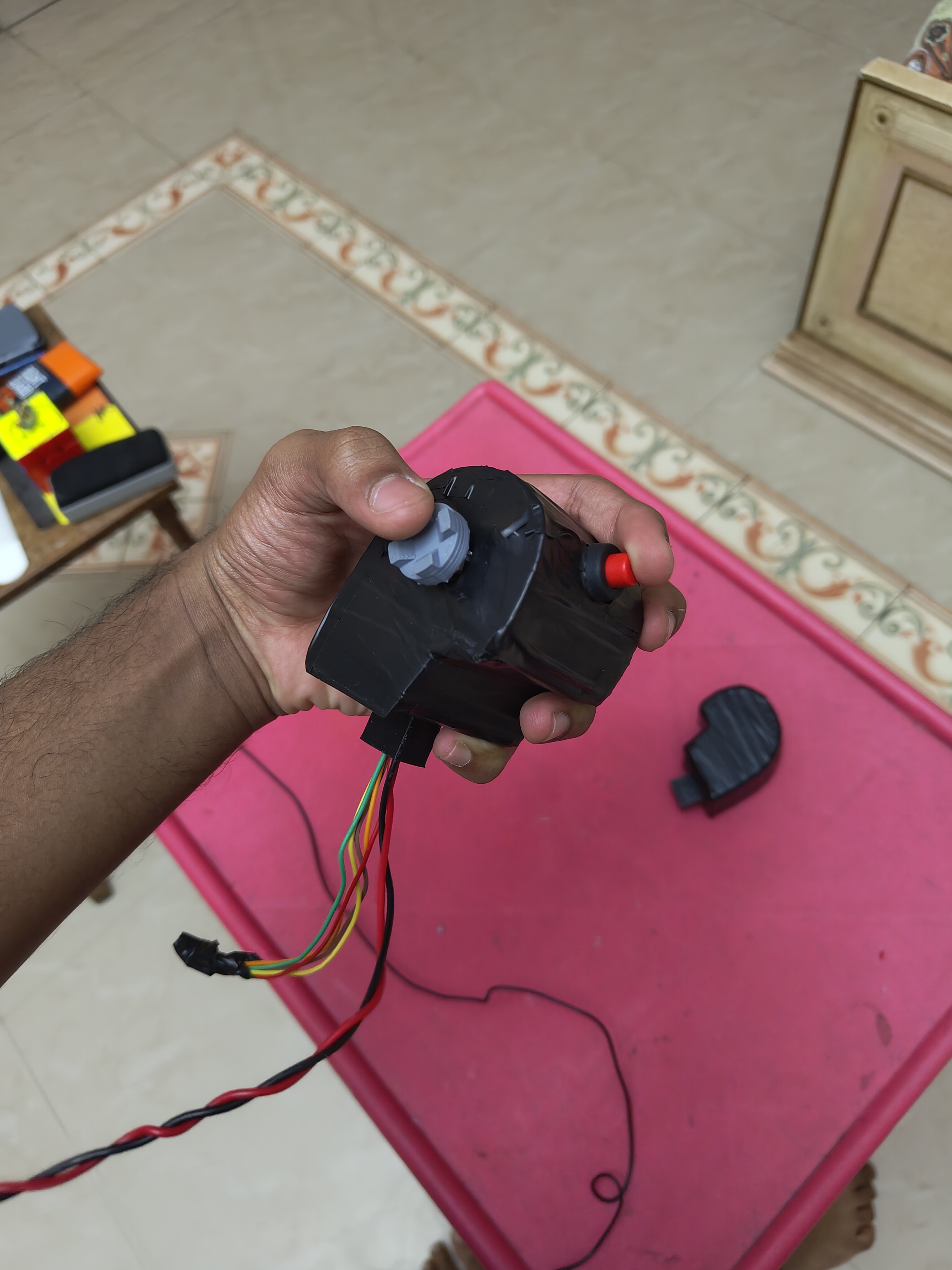
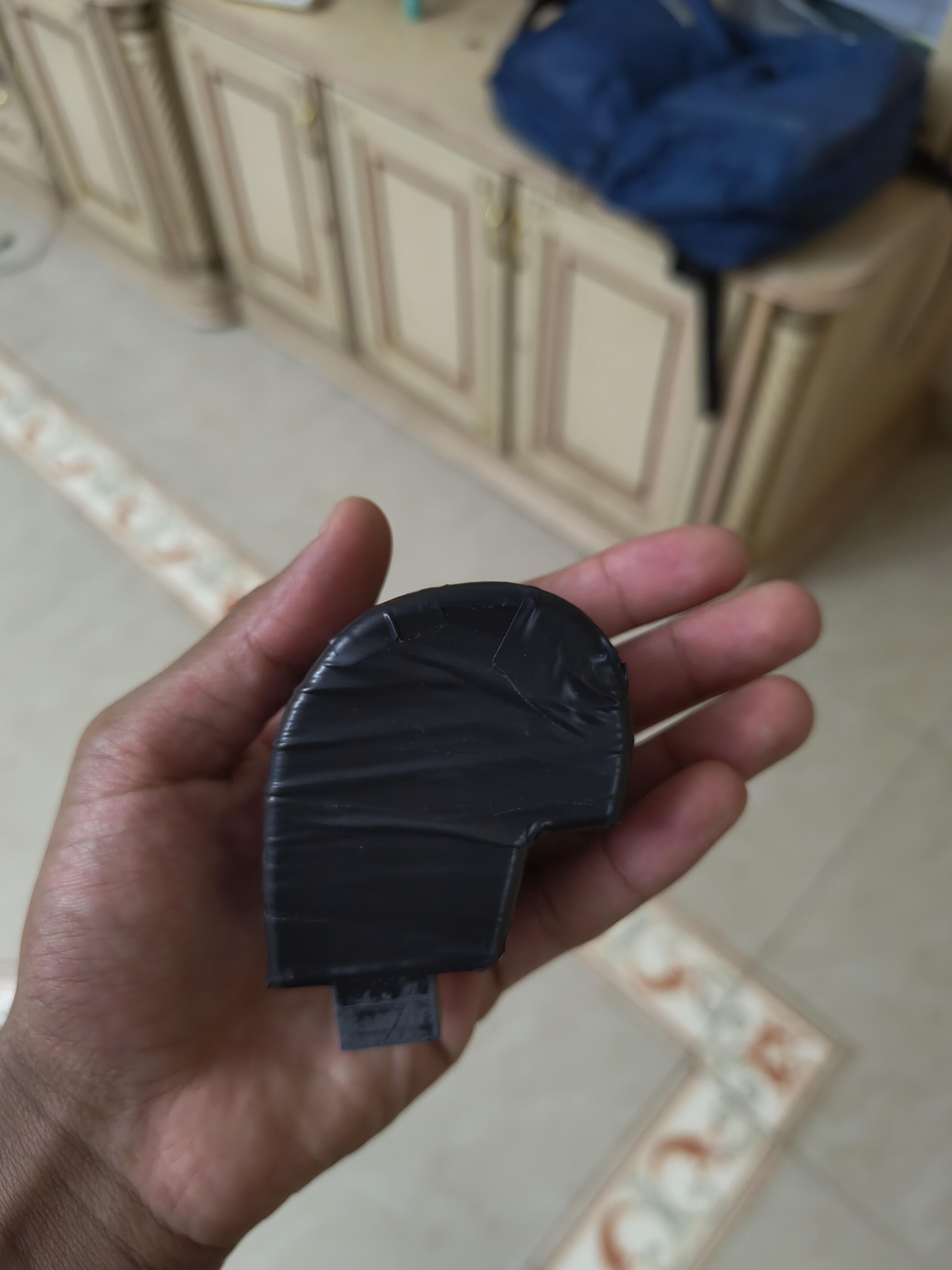
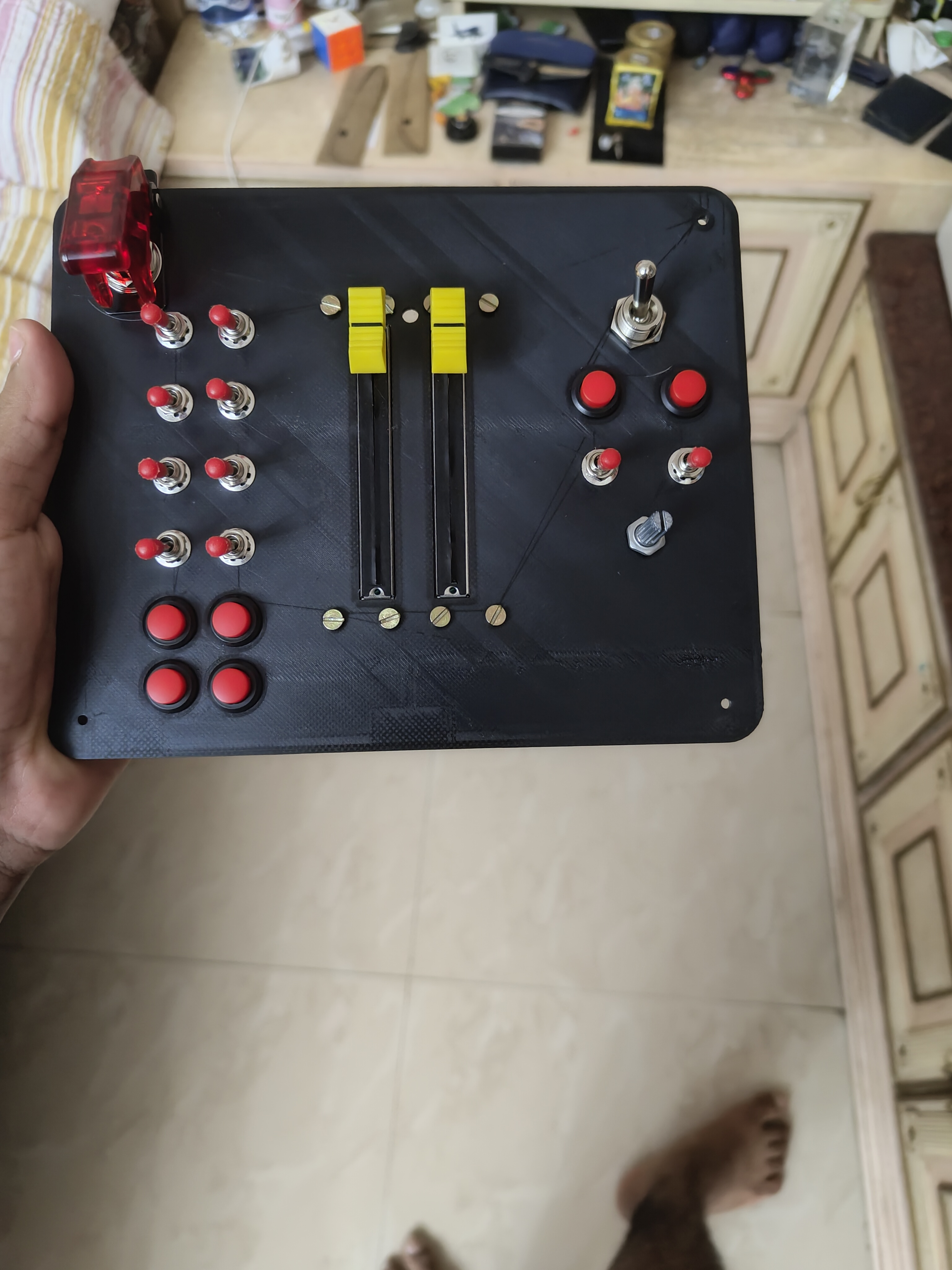
The finished controller has two fully independent engine levers, ten switches and buttons across the base and the handles, a small joystick on the right handle for fine control inputs, a rotary dial for mixture control on older aircraft types, and the master arm switch that doubles as the boot-mode selector I described. The whole thing runs on a small microcontroller that I programmed myself.
Every component that wears out from regular use — the sliding potentiometers, primarily, which I have already replaced three to four times — can be swapped in under five minutes, without soldering and without any special tools. That was a deliberate design decision I made from the beginning: the controller had to be maintainable long-term without becoming a complicated repair job. I funded the entire build personally and completed it at fifteen years old, while keeping up with all academic commitments.
What I Took From It
This project changed how I look at objects. Before it, a price tag was the end of the conversation. Afterwards I understood that most things are just a pile of parts and a set of decisions somebody else already made, and that those decisions can be made differently. Twenty-five thousand rupees is a lot to ask for a controller for a game. Twelve hundred rupees of components and six months of my own time was a trade I was glad to make.
I should say that I enjoyed almost all of it. There were evenings that made me wonder whether the thing was going to work at all, but the part I remember is sitting back at the end of a session, looking at how much further along it was than when I started, and wanting to get straight back to it. That is still the reason I build things.
Technical Notes — For Technical Readers [ tap to expand ]▸
The controller is built around a Raspberry Pi Pico running MicroPython, presenting to the host PC as a USB HID joystick device. Analog inputs are handled by an MCP3008 eight-channel SPI analog-to-digital converter. The left and right throttle sliders connect to channels 3 and 4 respectively, and a rotary potentiometer to channel 2. The thumbstick used for target designation occupies two further channels, one for each of its X and Y axes, with its push-click read separately as a digital input.
The SPI bus is wired GP10 to SCK, GP11 to MOSI, GP12 to MISO and GP13 to chip select.
Digital switch inputs are managed through a PCF8575 sixteen-bit I²C GPIO expander, which lets every toggle switch share a single two-wire bus. Each three-position ON-OFF-ON toggle has its common terminal wired to ground and its UP and DOWN terminals to separate PCF pins.
The firmware reads the full sixteen-bit register over I²C and extracts each switch state by isolating the relevant bits. Make-before-break contact behaviour during switching is handled by a state machine that holds the last valid state through any transient condition. The I²C bus is wired GP4 to SDA and GP5 to SCL.
Additional inputs connect directly to GPIO: the illuminated Master Arm switch on GP2, a three-way flap selector across GP3 and GP6, four toggle switches, six push buttons, and the thumbstick push-click on GP21. The split-throttle detent uses a pair of neodymium magnets.
Boot mode is determined by Master Arm switch position at power-on: the raised position (on, high state) initialises USB mass storage for firmware access; the lowered position (off, low state) initialises HID joystick mode.
Self-FundedAviationAge 15–16
Project Red Phoenix — Rudder Pedals
This project died twice before a single part was printed. A fraudulent website. A commercial option with the wrong mechanics. Both times, building was the only answer left.
With the throttle controller finished, the one thing still missing from my setup was a set of rudder pedals, the foot controls an aircraft uses to steer and brake. I had been getting by with a twist function on my joystick, which produced signals just unreliable enough to be a problem. For months I had assumed the resulting mistakes were mine. They were not, and once I worked that out I decided to fix it properly.
I called it Red Phoenix for two reasons. RP is short for rudder pedals, which is the boring half. The other half is that this project died twice before a single part was printed, and rose from the ashes both times.
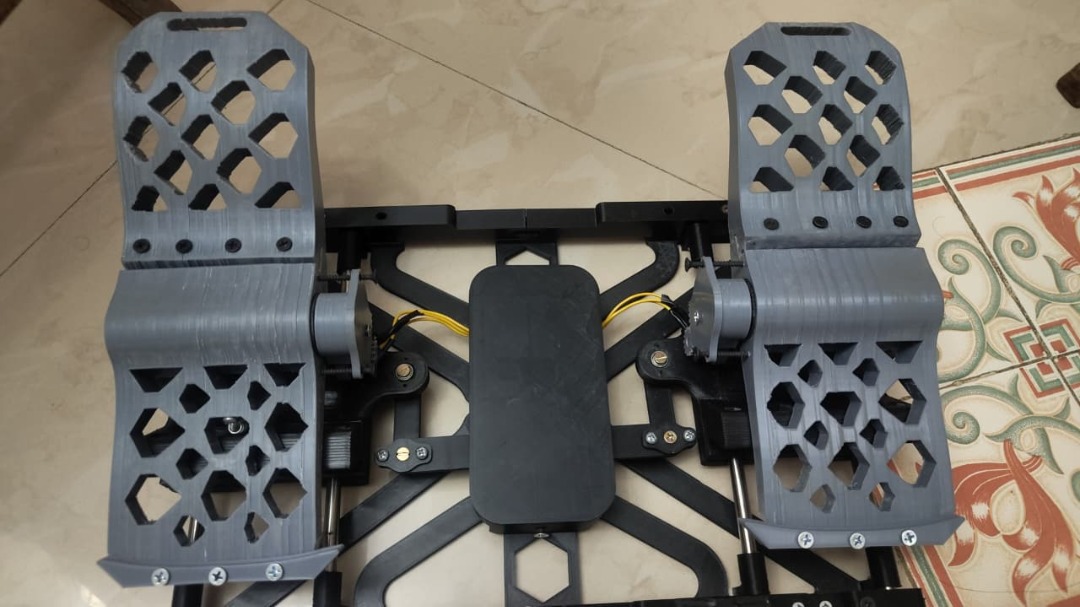
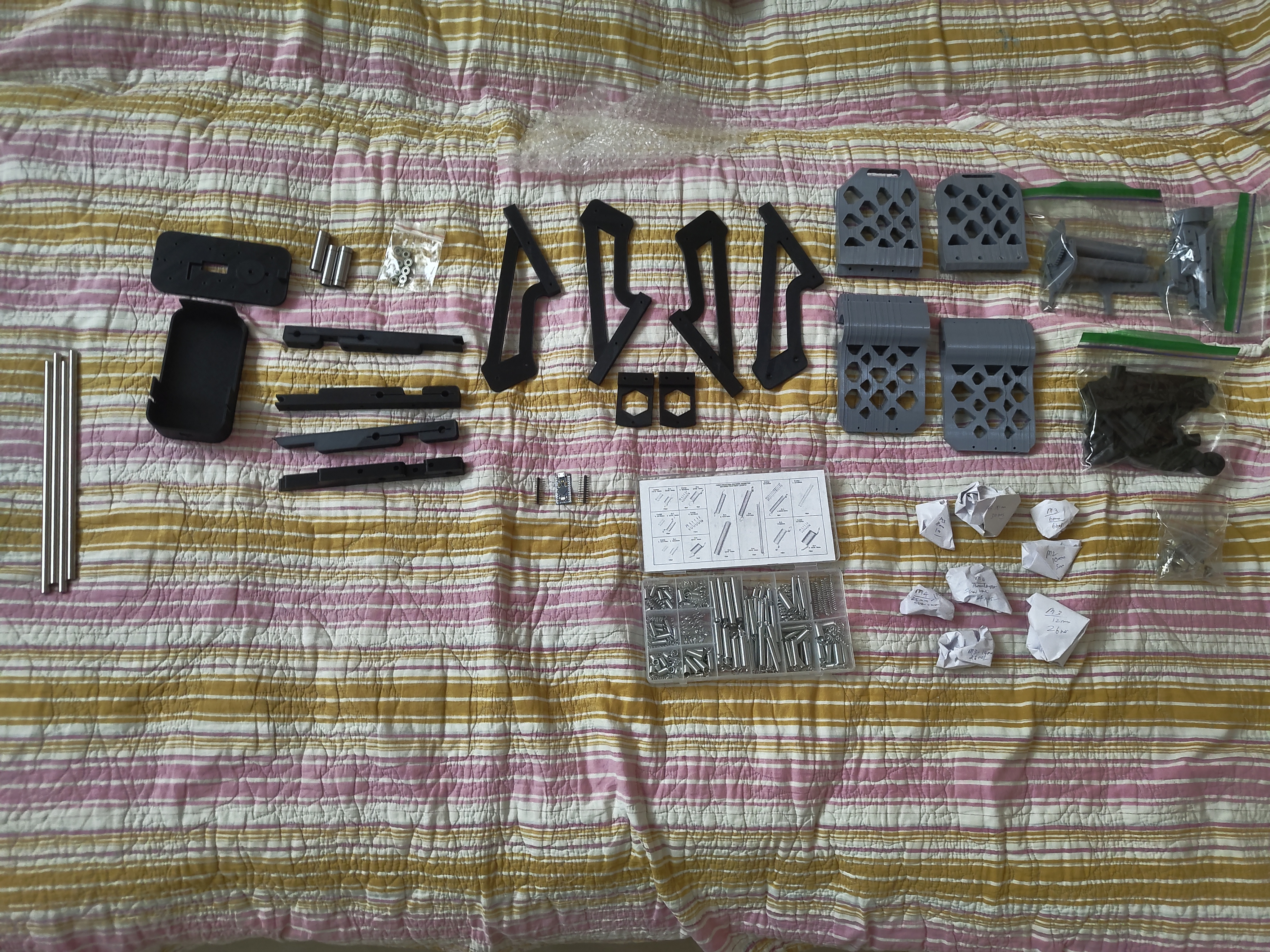
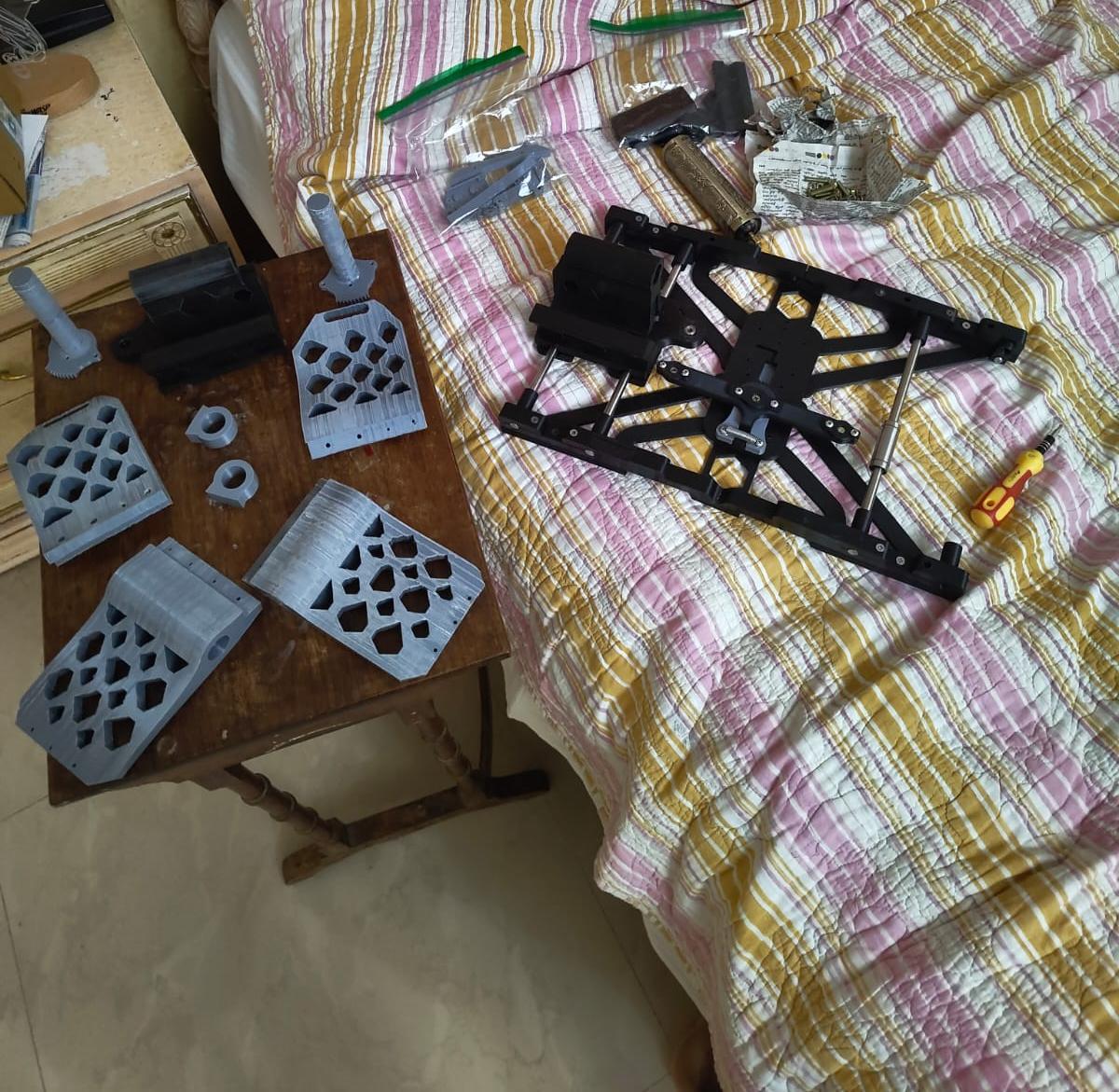
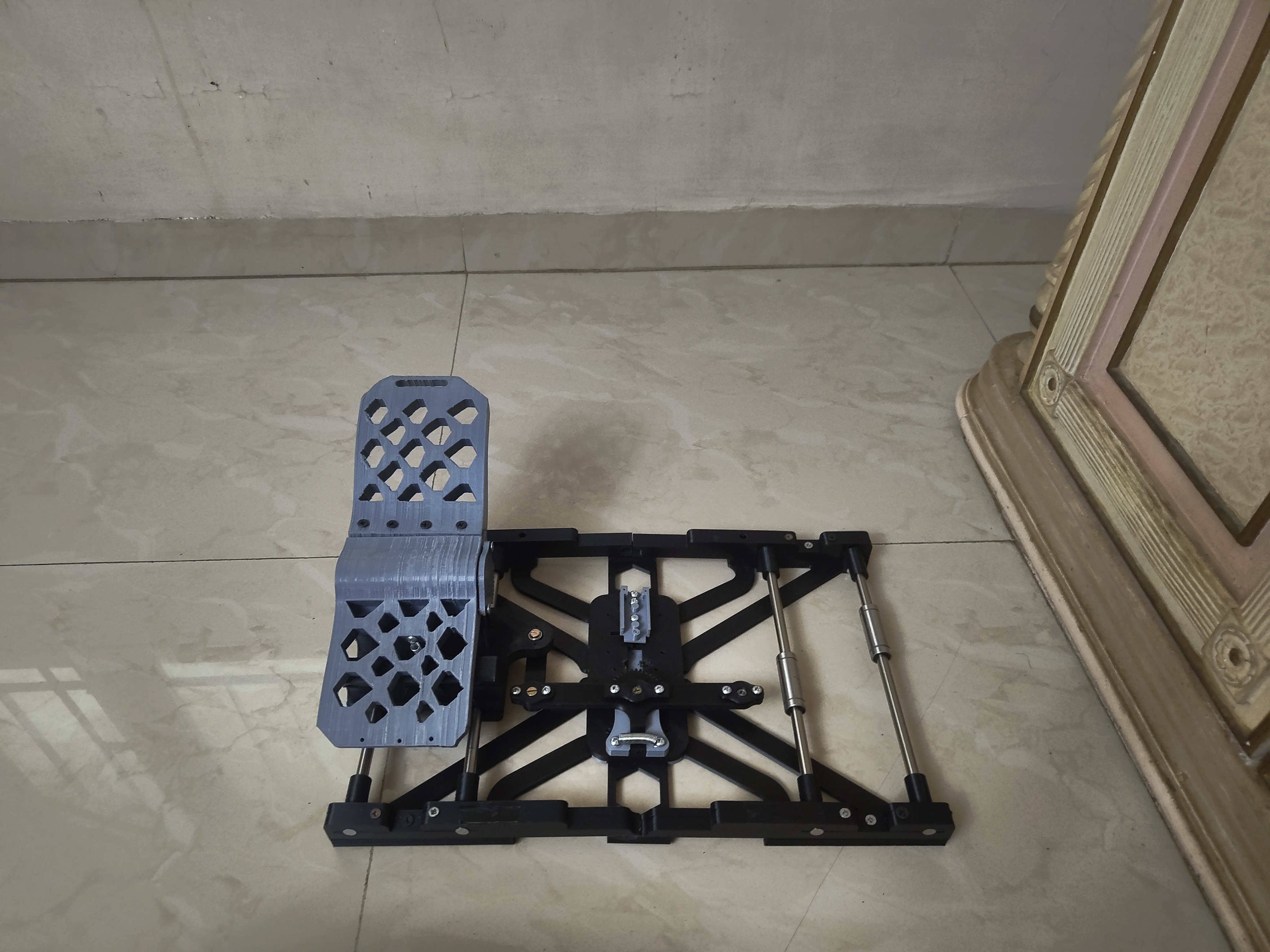
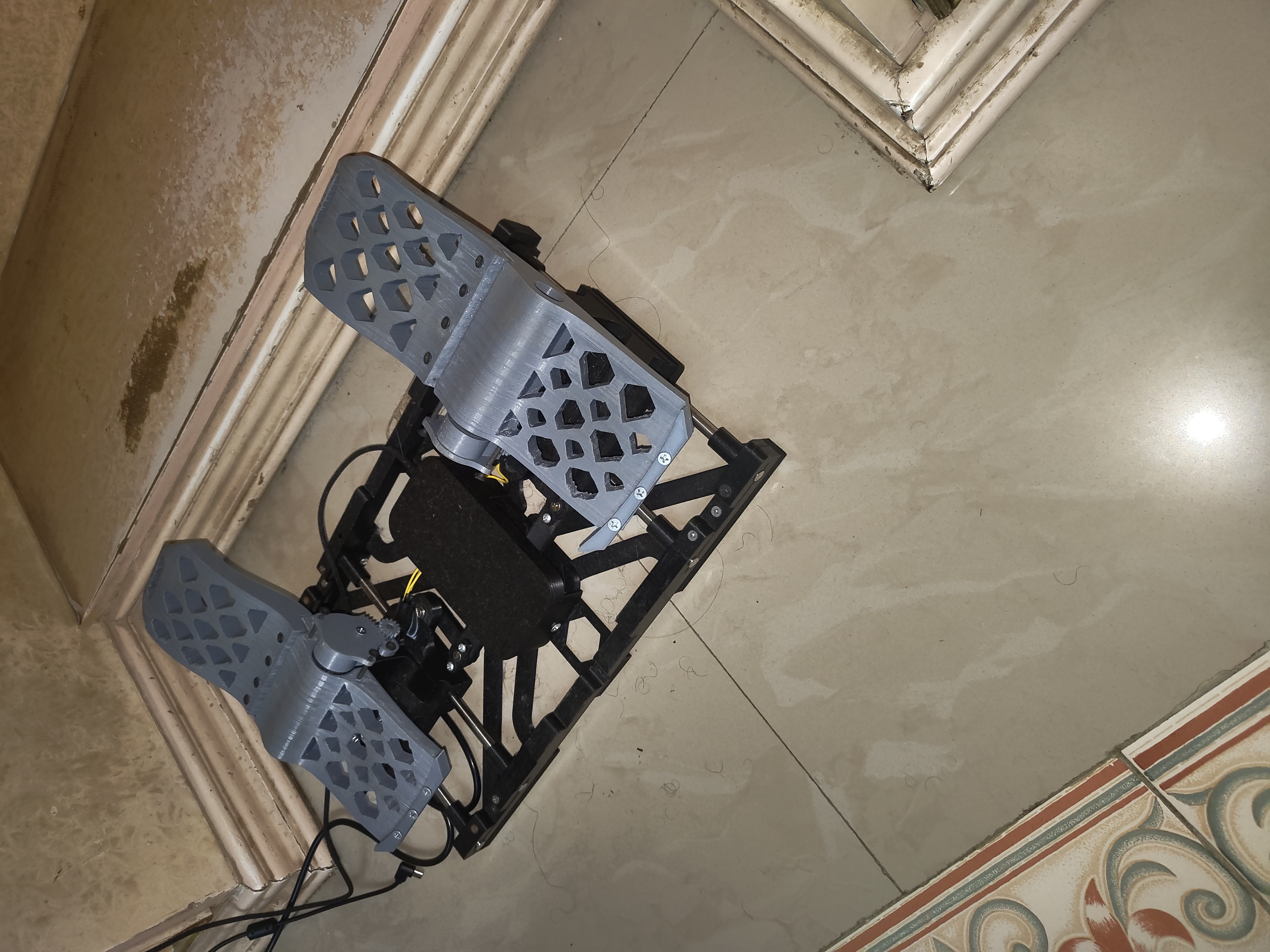
The completed Red Phoenix — both pedals and independent toe brakes fully assembled
▶
The First Death — A Fraudulent Website
My plan was not to build anything. I had just spent six months on the throttle controller, and starting another full build straight away held very little appeal. This time I was going to buy a set like a normal person.
I found a website that appeared to be selling flight simulation hardware. The price was within a range I was willing to consider. I placed the order, choosing cash on delivery — a decision that turned out to be the only thing that protected me from what came next.
The pedals never arrived. Days passed, then weeks, with no tracking and no reply to anything I sent. The site turned out to be a fake storefront with nothing behind it. Choosing cash on delivery meant I never handed over any money, so all it actually took from me was a few weeks of waiting and the slow realisation that nothing was coming.
The Second Death — Wrong Mechanics
After the scam I went looking at what else was out there. One set came up repeatedly, a legitimate product from a manufacturer people trust, priced well above what I thought pedals were worth. Before spending that much I wanted to understand what I was actually buying, so I went and read about how rudder pedals work on a real aircraft.
Two things stood out. Real rudder pedals slide forward and backward: push the left pedal forward and the aircraft yaws left, push the right one forward and it yaws right. It is a linear movement, not a hinge. Second, each pedal carries its own toe brake at the top, which the pilot presses with the front of the foot to brake that side alone. Left pedal brakes the left wheel, right pedal the right. That is how aircraft are steered on the ground, and on older types it is the main way of pointing the thing while taxiing.
The set I was looking at did neither. The pedals pressed downward like a car brake instead of sliding, and there was no independent toe braking at all. I was being asked for a serious amount of money for something that got both of the things I cared about wrong. I decided against it.
Building It
Having been defeated twice by the act of simply buying something, building it was what remained. The upside was that I could have the mechanics I actually wanted, sliding travel and a separate brake on each side, for less than either set I had failed to acquire.
I had designed the throttle controller from nothing. For the pedals I did the opposite. Another flight simulation enthusiast had already published a design that did what I wanted, so I started from that instead. I was not trying to prove I could do it all myself. I wanted working pedals, and this was plainly the faster route.
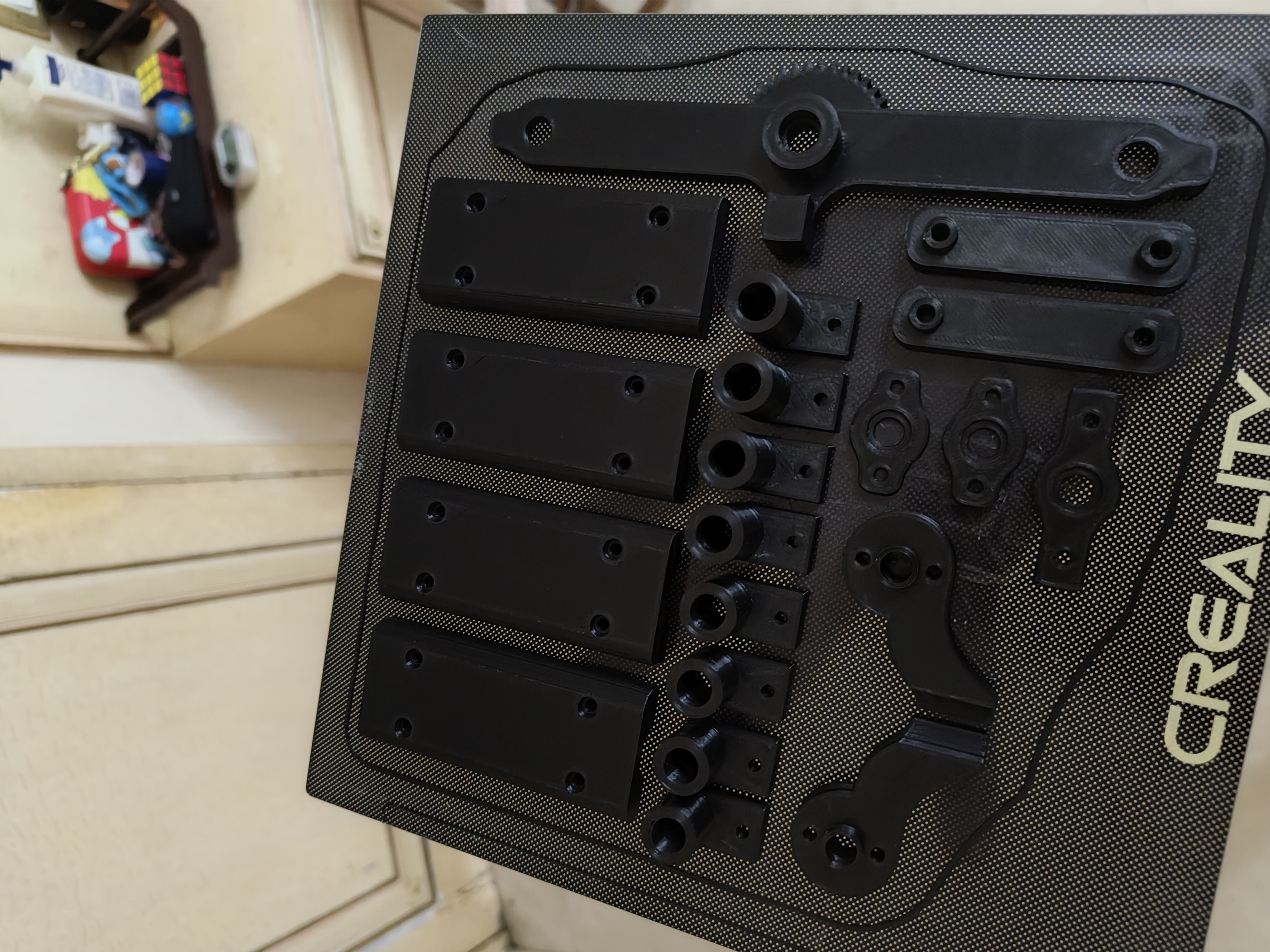
This is where I finally worked out something I had been living with for months without naming it: my printer consistently produces holes slightly smaller than the design asks for. On the throttle controller that had never registered as a problem, because the files were mine and I simply drew the hole bigger and printed it again. Here the files belonged to someone else, and changing one dimension risks breaking the fit of three parts around it.
So I solved it physically instead. Holes that came out undersized were drilled to size, again with the hair trimmer and blade attachment, and where the original design called for hardware that would not seat properly I worked out a different way to mount the part. A fair amount of the build ended up being that kind of quiet problem-solving, adapting somebody else's geometry to a printer that does not quite obey it.
The Finished Result
Each pedal runs on metal rails and ball bearings and slides forward and backward the way a real one does. Each foot has its own brake. Everything the commercial set got wrong, this one gets right, and it cost a fraction of the price.
I completed the final assembly on my sixteenth birthday. The pedals have been in regular use ever since.
What It Taught Me
The throttle controller taught me that building something yourself is a real answer when the market gets it wrong. The pedals taught me where that stops being true. The geometry had already been worked out by someone who knew what they were doing and shared it openly. Starting again from a blank screen would have cost me months and left me with something worse.
That distinction matters well beyond this project. Innovation does not always mean starting from nothing. Often it means finding something that already works, identifying exactly where it falls short, and building on top of it. What I ended up with was more functional, more affordable and mechanically more correct than anything on sale, and getting there took a great deal of adaptation but very little reinvention. Knowing which of those two a problem calls for is the part that actually matters.
Technical Notes — For Technical Readers [ tap to expand ]▸
The unit presents to the host PC as a USB HID device, driven by an Arduino Micro. Three rotary potentiometers provide three independent axes: rudder, left toe brake and right toe brake.
Each pedal is carried on a mount running on linear ball bearings over two aluminium rods, which gives the forward and backward sliding travel that real rudder pedals use.
The two pedal mounts are tied together through a linkage arm to a single rotary potentiometer at the centre of the assembly. Pushing the left pedal forward drives the right pedal back and rotates that potentiometer one way; the opposite input rotates it the other. This converts the linear travel of the pedals into rotation a standard potentiometer can read, without giving up the correct sliding motion. A compression spring in the linkage returns the assembly to centre once pressure is released.
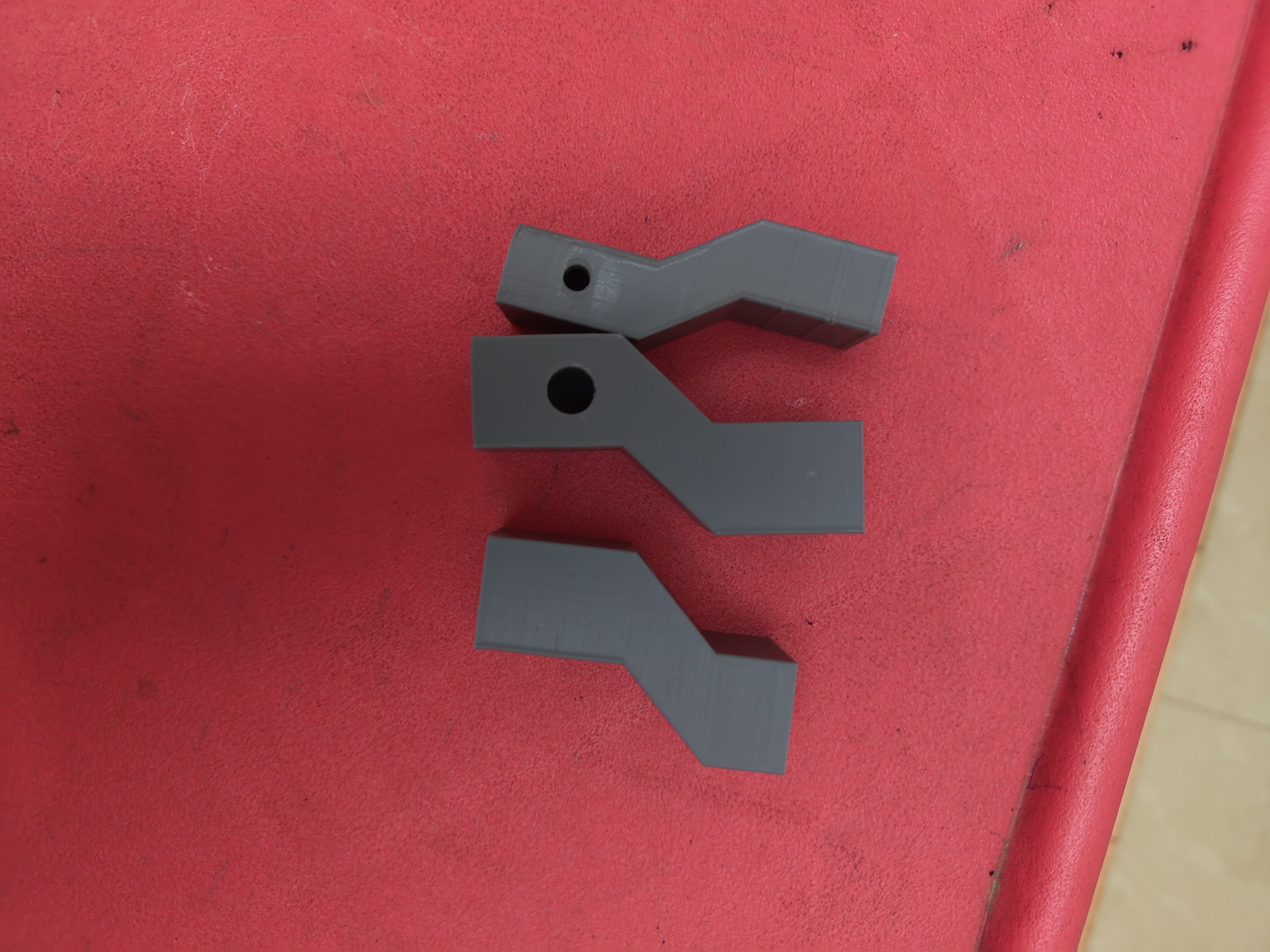
Each toe brake is read by its own potentiometer mounted to the side of the pedal. A 3D-printed cog is fitted over the ridged potentiometer shaft and meshes with a matching printed cog on the pedal itself, so pressing the top of the pedal rotates the potentiometer in one direction and releasing it rotates it back. The arrangement is mirrored on both sides, giving genuinely independent left and right braking. Each brake assembly includes a mounting point for a return spring between the moving base and the pedal.
The pedal geometry is based on a paid STL file set designed for flight simulation peripherals, used as provided without modification to the CAD. All adaptation was physical: holes were drilled out where printed tolerances came in too tight, and alternative fastening methods were used where the original design called for hardware that did not fit. The drill for this was an electric hair trimmer with a thin blade attachment. Filament throughout is PLA.